How to Speed Up eLearning Content Production (While Maintaining Quality)

Create high-quality L&D content up to 90% faster.
There’s a lot of pressure to do more, with less in L&D. Whether that’s less budget, less headcount, or even less time. And so people are turning to AI.
84% of L&D practitioners we surveyed last year said that speeding up content production is the biggest incentive for using AI in their work.
There’s one major problem with this. 63% of those same practitioners said they needed support in assessing impact beyond speed. People are churning out content so fast they can’t keep up with evaluation. Meaning they don’t know if all of that content is making a difference. (I call this the readiness debt.)
I want to change that.
Why your process is the problem
That starts with your prioritization process. You need a way to manage content development and revision requests, so they’re aligned with your roadmap. Otherwise, you risk becoming a content factory, taking orders and fulfilling them as quickly as possible.
Fixing that is the first step to speeding up your content development without sacrificing quality. Once you can prioritize work, then you have the capacity to improve your workflow.
If you don’t have a strategy or roadmap, consider building something lightweight for this quarter.
6 steps to speed up eLearning production
Step 1. Streamline your intake process
The last time I stood up an L&D function, I was the only team member for about six months. During that time, I prioritized requests without a formal system. After all, it was just me, why bother with all the structure? Here’s why you should bother, even if you’re a team of one.
You need a record of incoming requests, and emails or messages just don’t cut it. Even a basic form — with the who, what, where, when, and why — is a start. I recommend taking this a step further by automating it with an AI agent or workflow tool. You could have an agent ask each question, one-by-one, and provide it with enough context to conduct a robust needs assessment.
Avoid any questions that encourage the stakeholder to become a learning designer. Note that I didn't ask for their preference on how the training is delivered, that's for you to determine. The priority is identifying the skills gap they're trying to close, and how they'll measure whether that gap is closing after the training.
Educate your stakeholders on this new process. Explain what the process is, and why it matters (i.e., that you will be using it to prioritize requests against your roadmap, team capacity, and business importance). Then, enforce it. Whenever someone reaches out with a request, ask them to follow the process.
I know there will also be stakeholders who refuse to follow the process, but if other teams at your company have a prioritization process then so can you.
Step 2. Scope your work against your roadmap
Every Monday, allocate time to review requests from the previous week. Develop a structured scoring rubric (like the one below) to determine what requests you can handle, and when, and what requests don’t meet the requirements.
This review process is where an AI agent or workflow tool can build on the intake process you designed. Give it access to your roadmap, whether that exists as a document or in a project management tool, and the intake answers. Then, use a prompt like the one below to get recommendations for what work to prioritize.
You maintain the judgment bar, and know which requests you can’t say no to.
You can always have AI close the loop on all requests, sending notifications about the results of your prioritization exercise.
Step 3. Draft faster without cutting corners
Now you can focus on speeding up your content production. There are so many ways to speed up your content production. A lot of that comes down to more effectively leveraging your tech stack, or rethinking your approach to learning design. To illustrate what I mean, I'll use the example of creating training videos with an AI-native platform like Synthesia.
I remember the first time I made a training video. It involved me borrowing a PC so that I could download a certain eLearning software that shall remain nameless. I spent hours trying to navigate the software before I could even start building the training, which was a narrated PowerPoint deck. Fancy, I know.
If I were to rebuild that same video today, a narrated PowerPoint, I could generate a first draft in minutes. (Now, I wouldn't necessarily recommend that as an engaging learning experience, for all the reasons I lay out here, and more.)
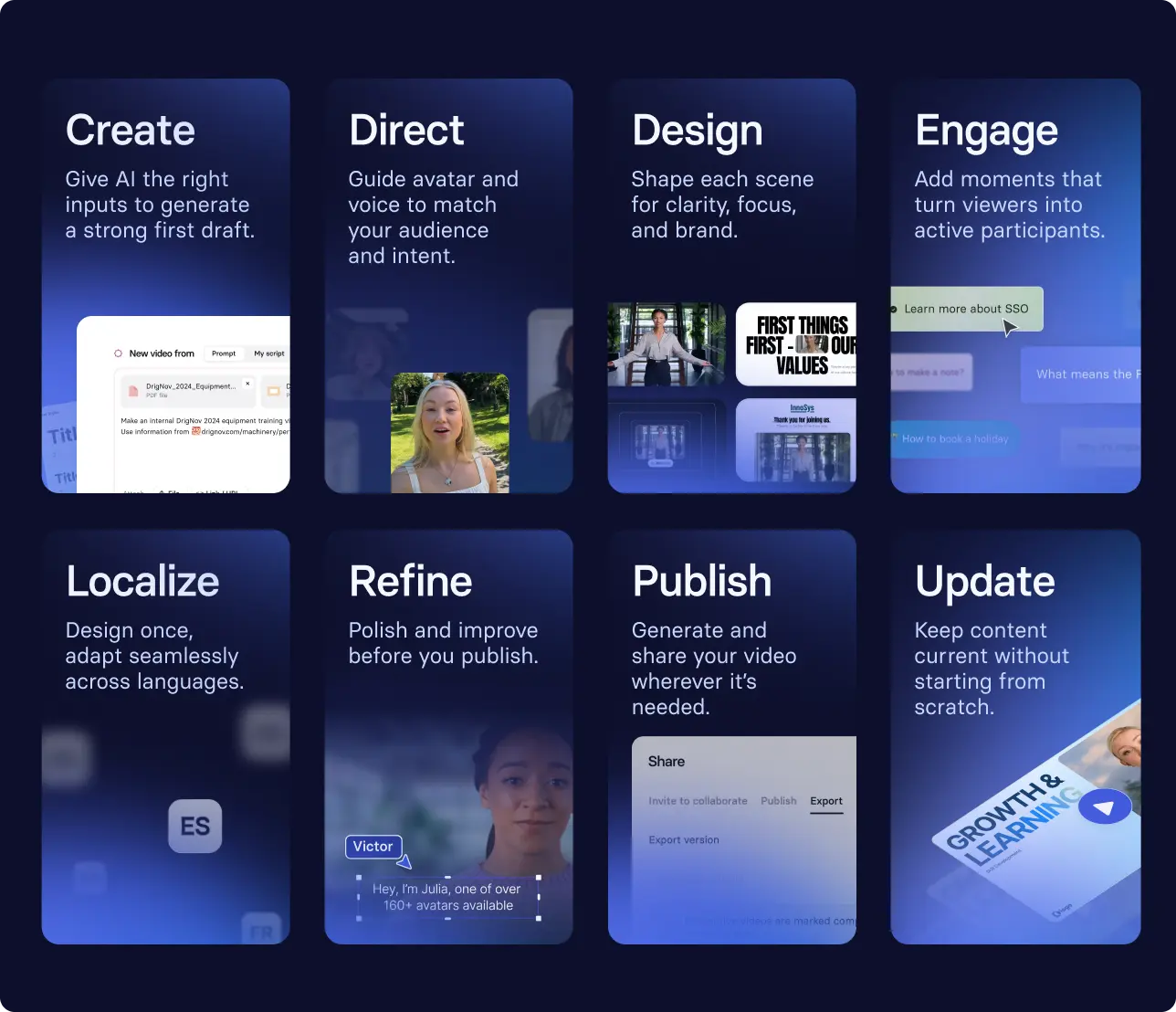
Here's how I would do that. I would go to our free AI video generator, upload the deck, and hit generate.

But I wouldn't stop there. I'd direct the AI Assistant to shape the scenes, and take over wherever the video would benefit from hands-on edits. (If you're looking for a more in-depth guide to building training videos, with or without AI, I've got you covered here).
If you're interested in seeing what that looks like at scale, here's how Mondelēz International (the company behind Oreos, Cadbury, and even Toblerone, what a trifecta), uses our platform for their supply chain training.
Step 4. Validate with your SMEs
I won't sugar coat, this is the step where you're most likely to get slowed down. For most SMEs, reviewing training isn't their day job. So getting them to review materials, even when they've agreed to do so, can be like herding cats.
That doesn't mean you should skip this step. It means you should make it as easy as possible for them to review the content. Here's my recommendation. When you initially get them onboard for a project, align on a review date. Send them a calendar hold for that date with the estimate for how long it will take to review the materials. Time-boxing the review (e.g., saying spend "1 hour reviewing X") helps focus feedback.
Include a targeted list of questions you're looking for feedback on. For instance, while they should give any feedback around elements that impact the learner experience, you probably don't want them giving feedback on the colors or font choices. An LLM can quickly generate the questions, using a prompt like this.
Step 5. Publish and measure your training
You're ready to publish and distribute your training, whether through a structured program or in the flow of work. Whatever you do, don't stop there. Evaluate whether your faster workflow led to measurable improvements for the business.
For training videos, I recommend starting your learning design by writing down something like this (filled in with the information from your intake process). That way, once you've published your video you have a record of the behavior change you're hoping to achieve, plus a related business outcome. With this record, you can determine what data inputs you can find to support your evaluation. The goal is what I call good enough measurement, and it's how you ensure you're not contributing to your organization's readiness debt.
The last thing you want to do is deliver an increased quantity of training content that goes unused, or worse, burns trust with employees. It only takes one training that's AI slop to ruin your team's reputation.
If you want to learn more about how Synthesia can help you speed up your content production, without sacrificing quality, schedule some time with the team.
Amy Vidor, PhD, is the Learning and Development Evangelist at Synthesia, where she researches learning trends and helps organizations apply AI at scale. With 15 years of experience, she has advised companies, governments, and universities on skills.
Frequently asked questions
How do I maintain quality while speeding up content production?
The key is a process that reduces administrative overhead and keeps a human in the loop where it matters. Automate the routine parts, like intake, so you're not managing every request by hand.
But anything AI drafts or recommends still needs a human reviewing it before it goes out. That's what frees up capacity for the work that actually requires your judgment.
How do you keep AI-generated training from becoming AI slop?
You've likely heard the expression, "garbage in, garbage out," referring to the importance of quality inputs when using AI. That holds true for AI-generated training. If you start with a clear learning objective and performance outcome, and vetted source material, you are more likely to have a higher quality output. (You may also need a well-structured prompt, depending on the tool.)
And most importantly, an SME and L&D team member needs to review any AI-generated content before it is published and distributed.
How do you know if faster production actually worked?
You start by defining a measurement goal when you first scope the training after intake. Then, you identify data that can validate if your training impacted the behavioral and business outcomes.
If this is your first time evaluating a new training medium or process, it can take some trial and error to figure out what evidence works in your organization. The important thing is you keep trying to measure the training.


.webp)