
Brand Video Maker
Turn a doc, a deck, a YouTube link, or a video you love into an on-brand video in minutes. Write one prompt and Syren does the rest. Try it free.



Examples
Make studio-quality brand videos from one prompt
Syren writes the script, designs every scene to match your brand, and adds voiceover and music. Then you refine it in chat.
Get a finished video in one shot
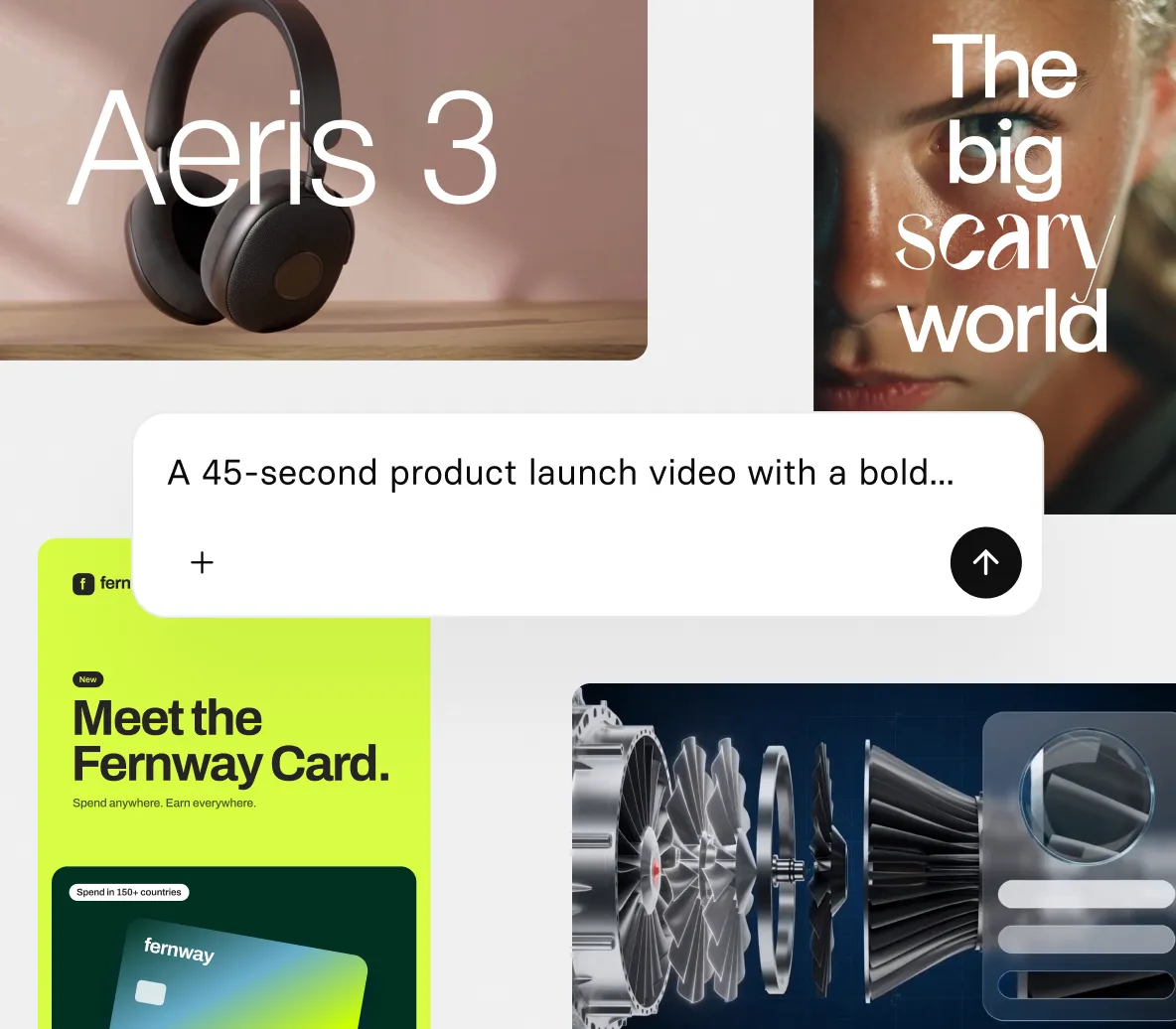
- Start with a prompt, and Syren asks follow-up questions if needed
- Attach docs, decks, images, videos, or YouTube links as context
- Watch your video take shape in a live preview as it builds
Keep every video on brand
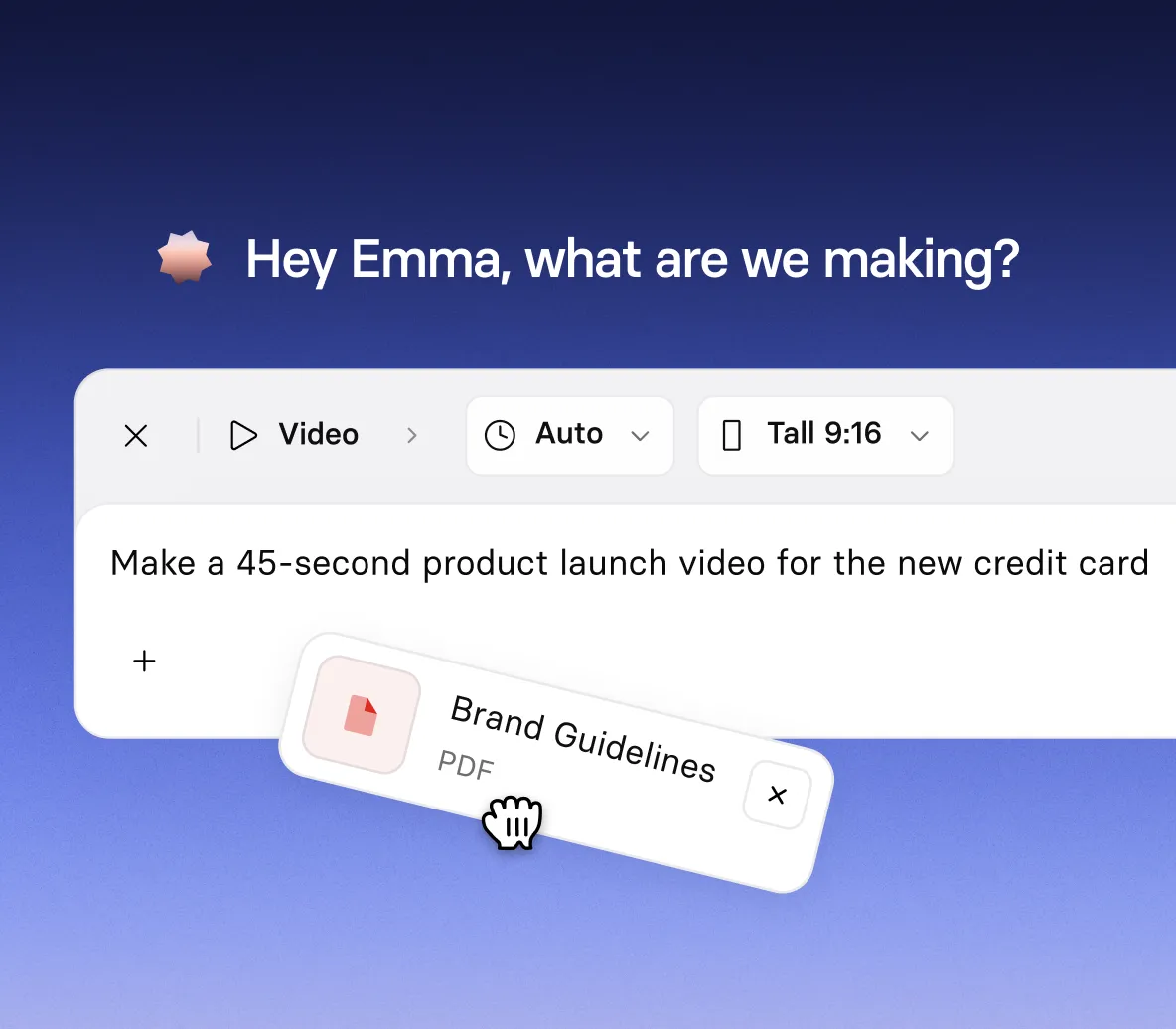
- Paste in your website and Syren picks up your colors and visual style
- Add your logo, a deck, or a past video for an even closer match
- Ship a video that looks like it came from your brand team
Refine it in chat until it’s right
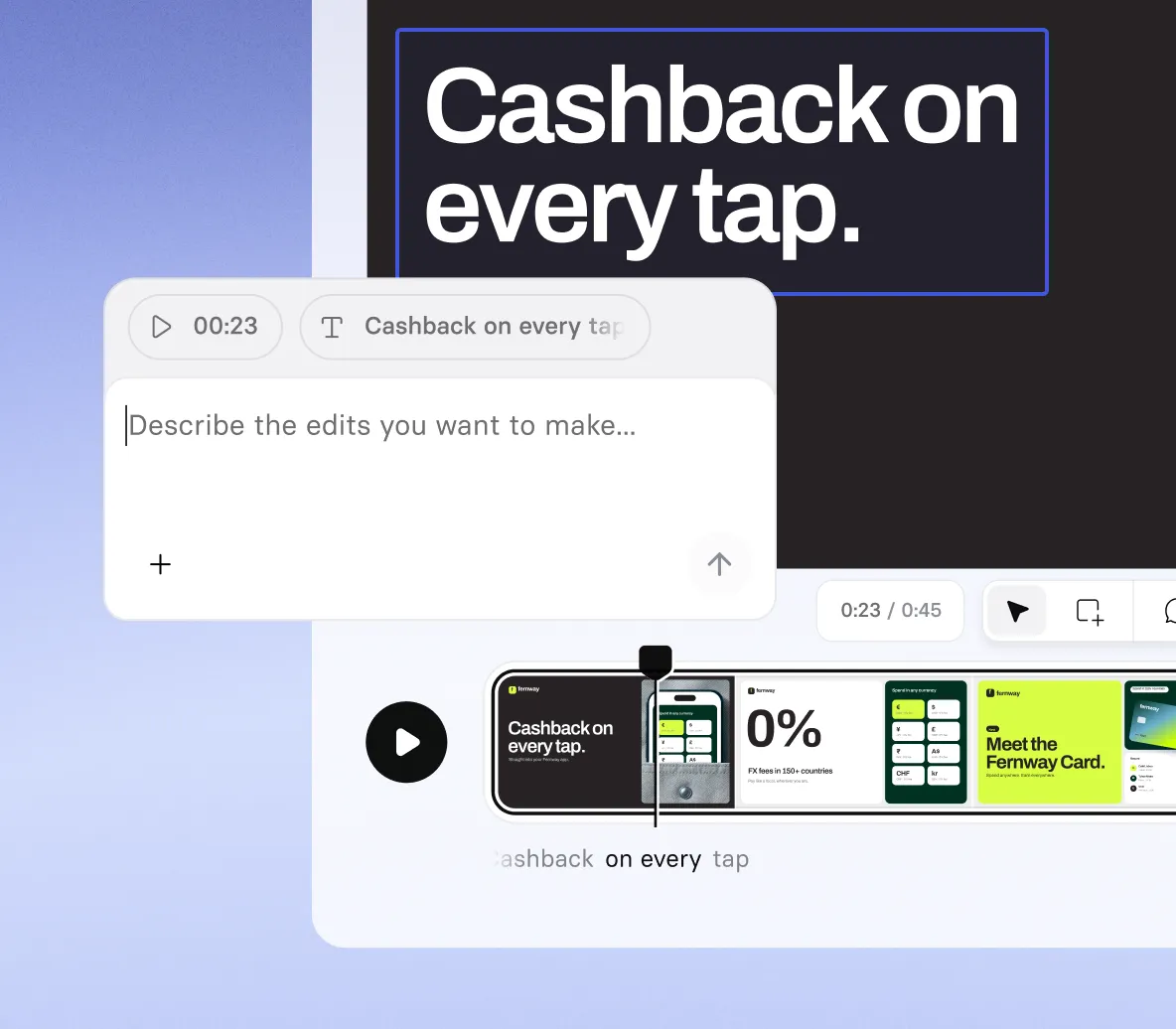
- Ask for a new script, avatar, voice, music, or shot type
- Select any element and retype, move, or restyle it directly
- Undo and redo every change, yours and Syren's
Make branded videos for every screen
- Create landscape videos for websites or portrait for social feeds
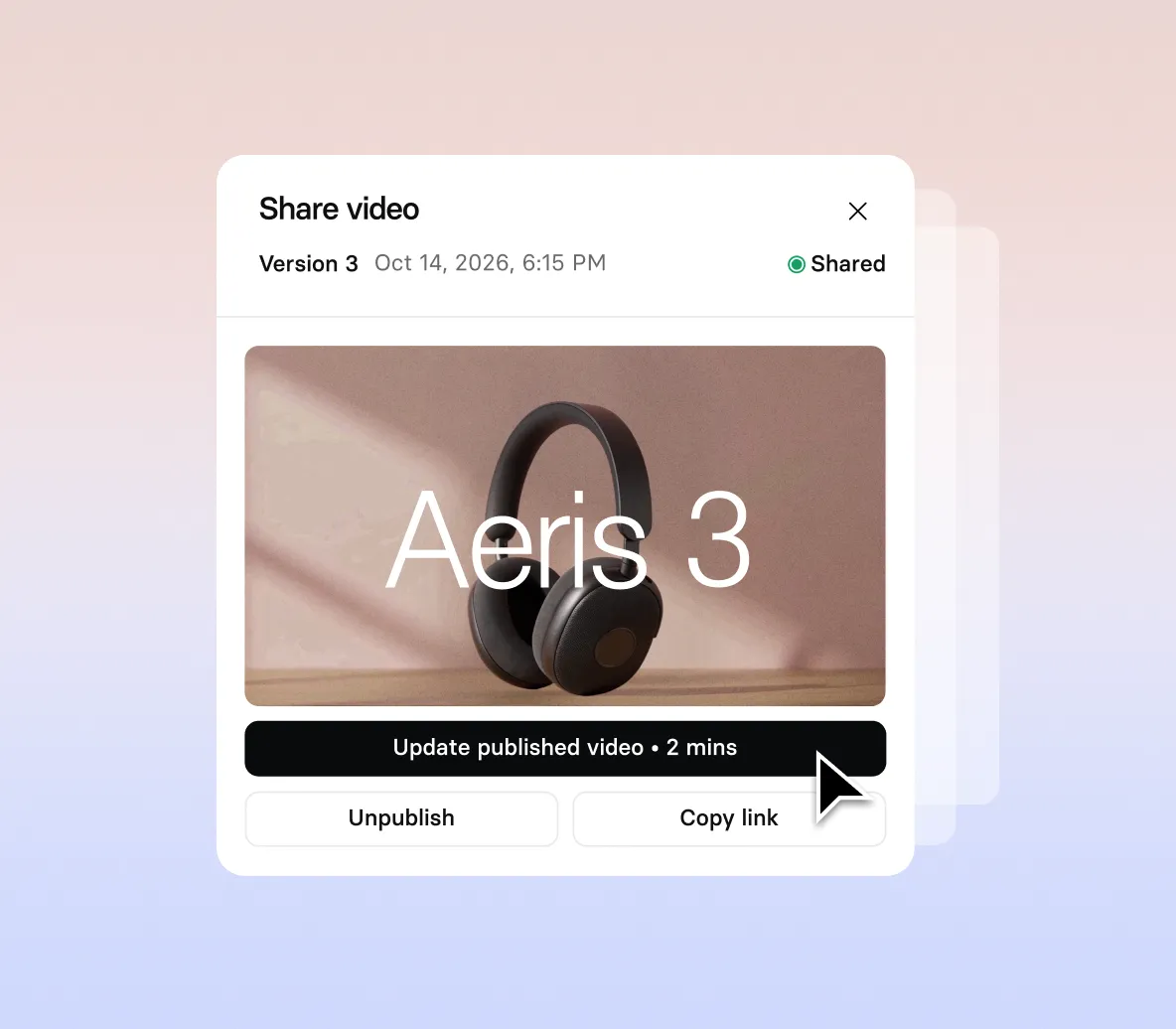
- Download in up to 1080p, or publish with a public share link
- Restrict viewing with a password, email gate, or SSO
How to make a brand video with Syren
Four steps from a short prompt to a finished, on-brand video you can share.
1. Open Syren
Select Syren under Tools in the navigation menu, then choose Wide 16:9 or Tall 9:16.
2. Describe your video
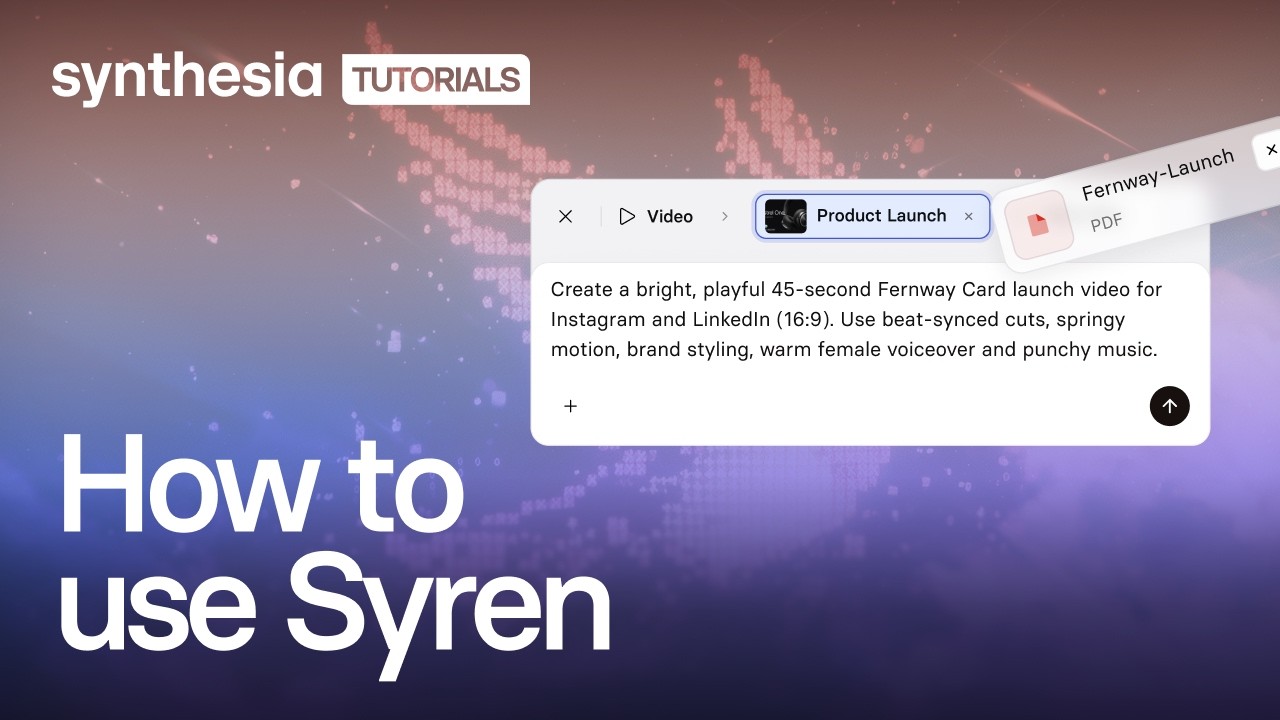
Tell Syren what you want in a sentence or two, or pick an example video to remix. Syren asks if it needs more.
3. Add your brand material
Select + to attach your logo, images, documents, PowerPoint files, videos, or website and YouTube links, then select Send.
4. Refine and generate
Watch the live preview, ask for changes in chat, then select Generate to choose a resolution and download.

The brand video maker trusted by modern teams

Over 2000+ five star reviews on G2
Brand videos for every team
From marketing to customer success, any team can make videos that look like your brand. Start from the material you already have and skip the design queue.

Turn a campaign brief into a short ad or social video. Paste in your website and Syren matches your colors and style in every scene.

Explain a new feature as soon as it ships. Attach the release notes and get an explainer with motion graphics, interface visuals, and a presenter.

Attach your demo notes and send each prospect a branded recap of what they saw and what happens next.

Describe a common question and add a few screenshots. Syren turns them into a short, branded how-to that walks through the fix.
FAQs
What is a brand video?
A brand video is any video that looks and sounds like your company. It uses your colors, logo, visual style, and tone, whether it’s a product launch, an ad, an explainer, a sales follow-up, or a how-to. The format can be anything. What makes it a brand video is that viewers recognize it as yours.
How do I make a brand video?
The fastest way is to use an AI video generator that picks up your branding from material you already have. With Syren, you describe the video in a sentence or two and add your website, logo, or a deck. Syren writes the script, designs every scene in your colors and style, and adds voiceover and music. Then you refine it in chat until it’s ready. You can also start from an example video and remix it with your own content.
Is the brand video maker free?
Yes, you can start making brand videos with Syren for free. Videos on the free plan include a Synthesia watermark, and paid plans remove it. Availability on the free plan varies by region, and the pricing page has the latest credit and plan details.
How does Syren keep my videos on brand?
Syren applies your brand colors to every video from the first draft. Add your website, logo, a deck, or a past video with your prompt, and Syren matches your colors and visual style across every scene. More brand controls for Syren, including custom typography and animation styles, are on the way.
What can I add to my prompt?
You can attach documents, images, videos, and PowerPoint files, and add links to your website or YouTube. A product spec, last quarter’s deck, or a video whose pace you like all give Syren more to work with. Only use files, logos, and brand assets you have the right to use.
How long can a brand video be, and what formats can I export?
Syren videos can be up to three minutes long, in landscape (Wide 16:9) or portrait (Tall 9:16). You choose the shape before you send your prompt. When you generate, you can pick 1080p, 720p, 480p, or 360p.
Can I use Syren videos commercially, and who owns them?
Yes. You can use Syren videos for marketing, product launches, and ads, and you own the videos you create, the same as any video made in Synthesia. Make sure you have the rights to anything you upload, such as images, footage, or other companies’ logos.
Can I use my own avatar or voice in a brand video?
Syren videos can include Synthesia's stock AI avatars and voices, and you can swap them by asking in chat. To use your own Personal Avatar or a cloned voice, create the video in Synthesia Studio instead.
When should I use Syren instead of Synthesia Studio?
Use Syren when you want a creative, designed video fast, like a launch reel, an explainer, or a short announcement. Use Studio when every script line and scene has to be exact and repeatable, or when you need to update and translate a video at scale, as with training, compliance, and onboarding content.
Not just a brand video maker
Synthesia is an end-to-end AI video platform for creating, localizing, and sharing video at scale. Alongside Syren, you can record and narrate your screen, put yourself on screen with a custom AI avatar, and create lifelike narration with the AI voice generator.
When a video needs to reach more people, dub it into other languages or translate it in one click. And when watching isn’t enough, Roleplay Sessions let people practice real conversations with an AI avatar. One platform, from the first prompt to every audience.
Discover more

Ready to try create brand videos?
Join 2M+ users today and start creating videos with AI avatars in 140+ languages.