

Free Video Presentation Maker
Enter a prompt, script, URL, or document. Get a video presentation in minutes.
0/500 characters
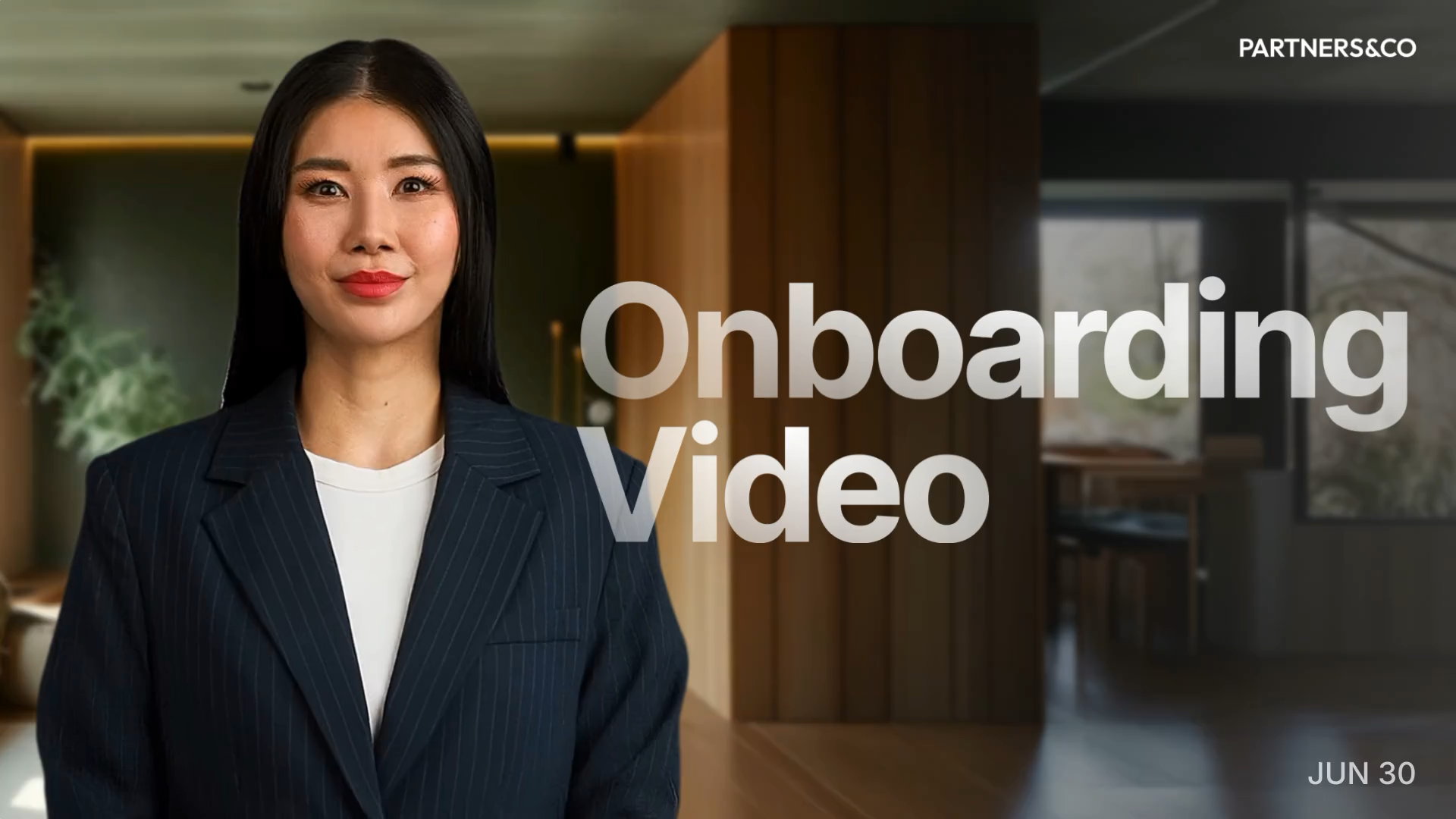

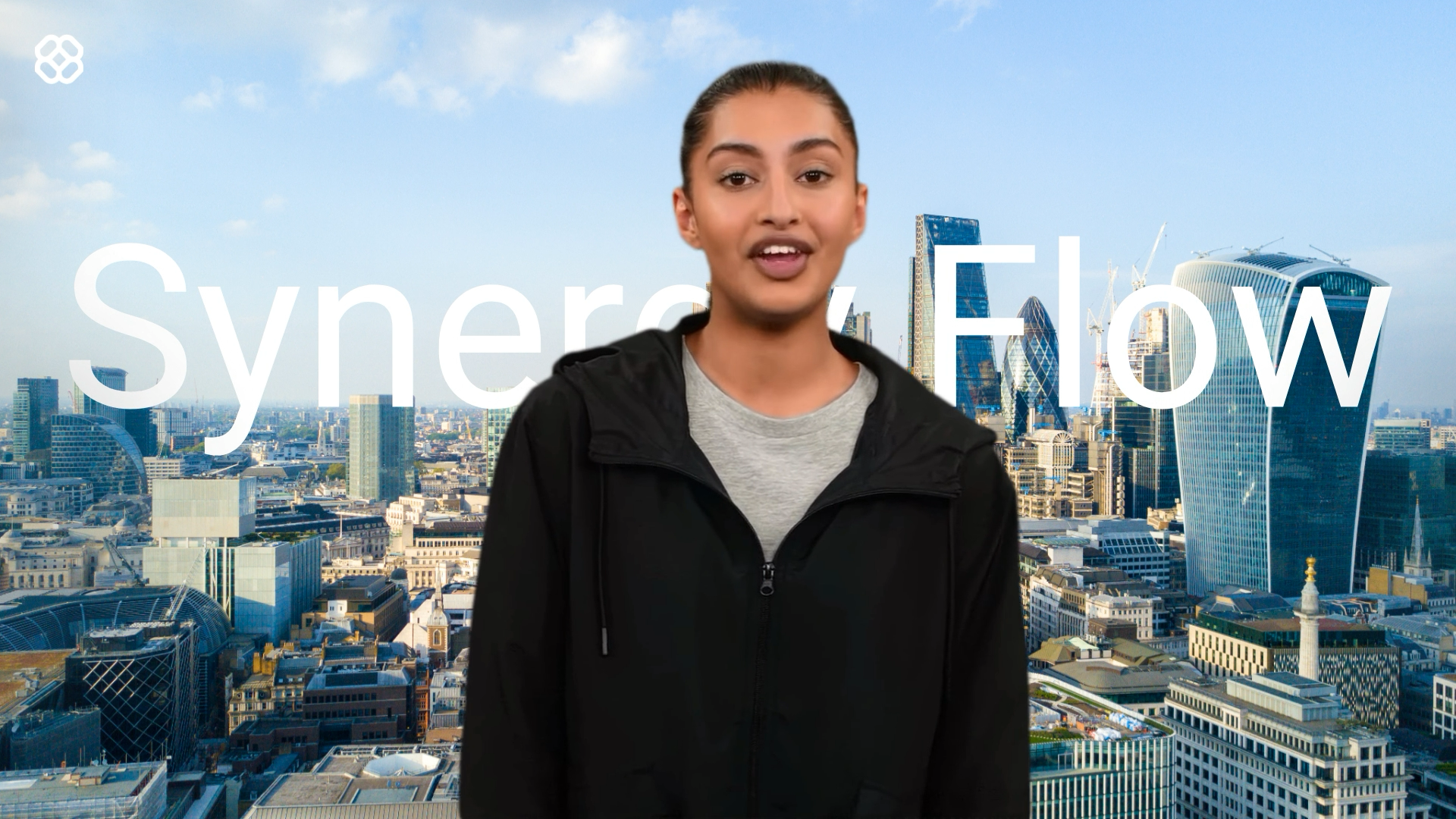
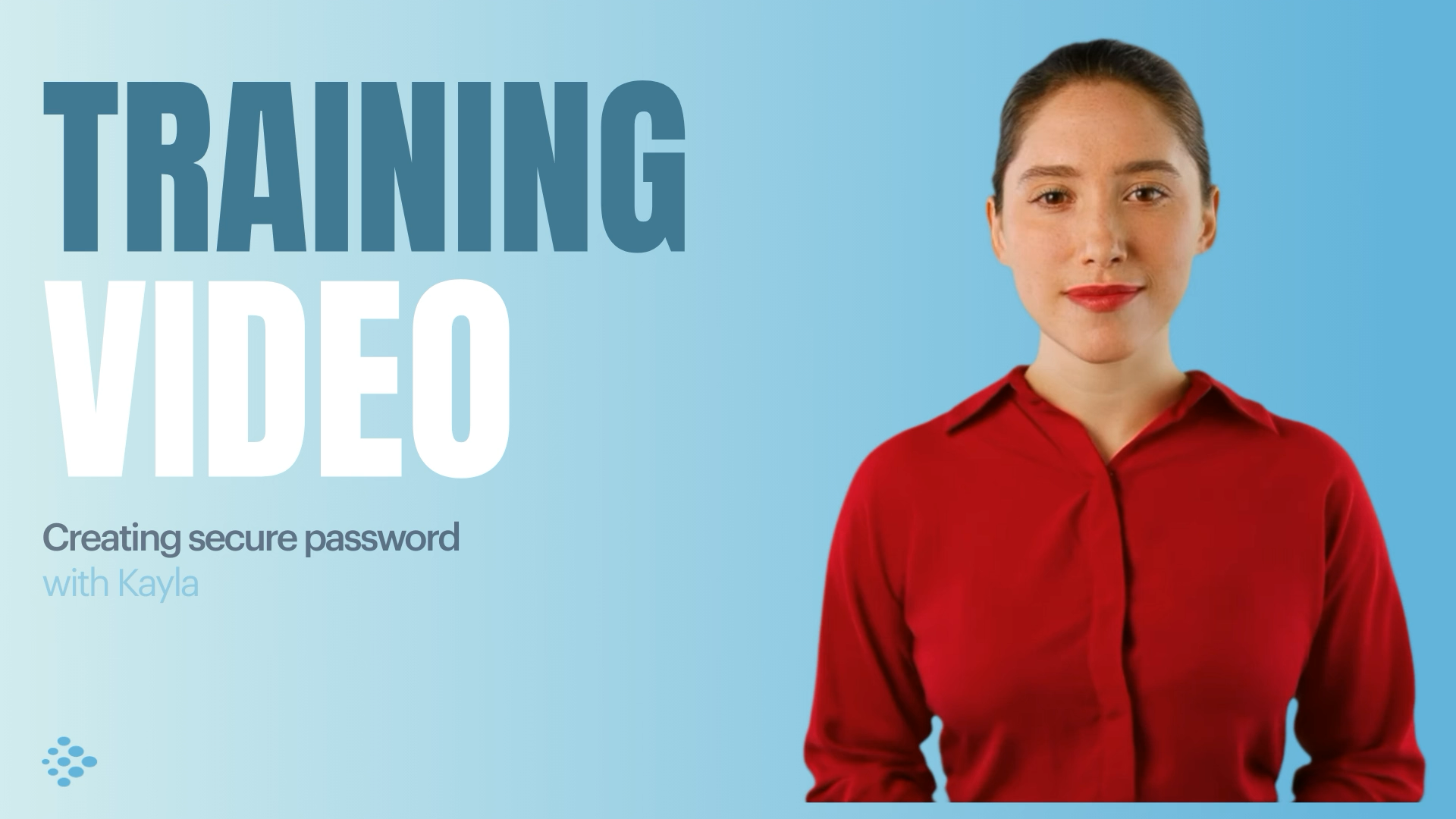


Choose your input method and let AI create your video.
By using this service, you confirm that you have all necessary rights, licenses, and permissions to upload or generate content, and that your use of any generated videos will comply with the Acceptable Use Policy and applicable regulations related to intellectual property and data privacy.

Trusted by over 50,000 companies








Make video presentations people actually watch
Replace long docs and slides with video that holds attention. No recording, no editing, no effort.
Turn any text into a video presentation
Create a complete video draft in minutes from any input.
- Paste a prompt and get a structured video presentation instantly
- Upload PowerPoint, PDF, or DOCX and convert it to scenes
- Go from raw content to a presentation draft fast
Create visually stunning video presentations
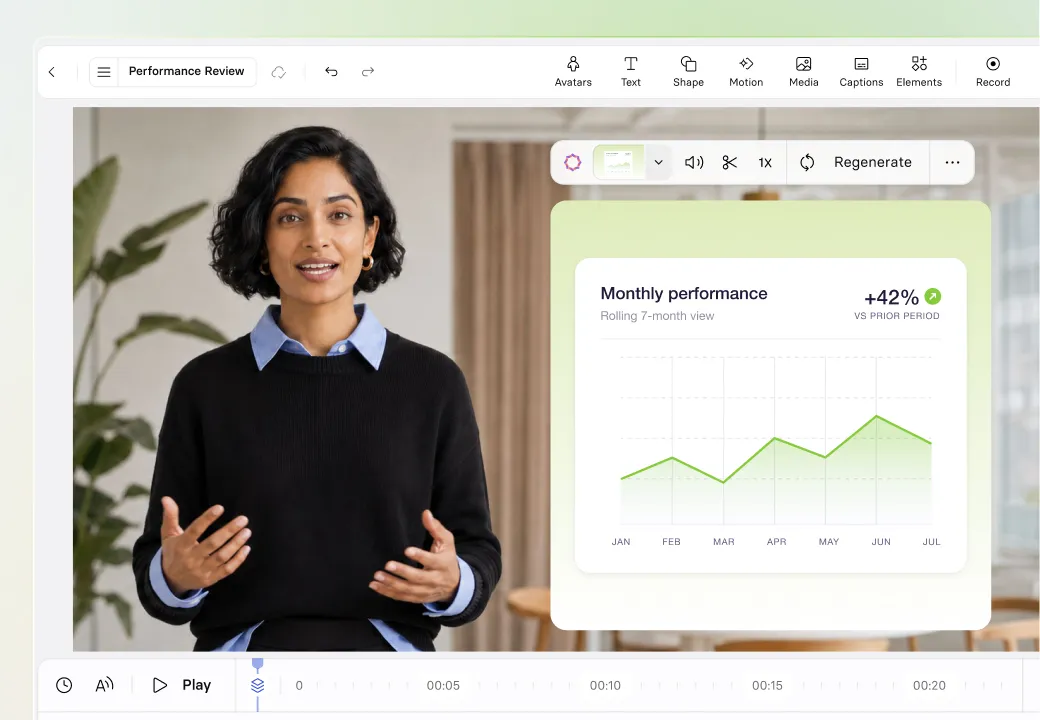
Build polished video presentations as easily as you'd edit slides. No design skills needed.
- Pick from templates built for sales, training, marketing, and more
- Add AI-generated visuals, motion graphics, or your own media
- Apply your Brand Kit to keep every scene on brand
Present your video with a lifelike AI avatar


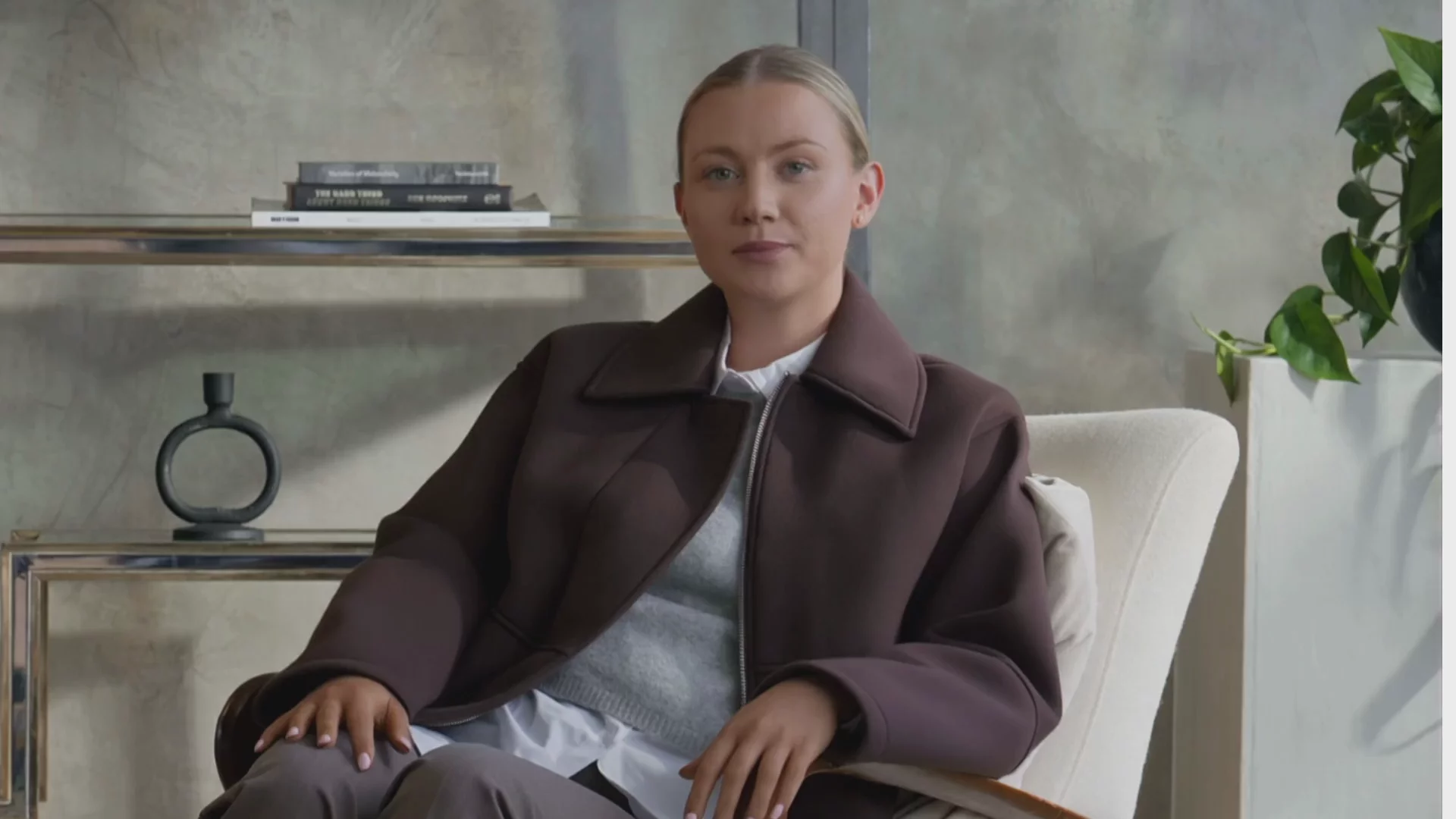

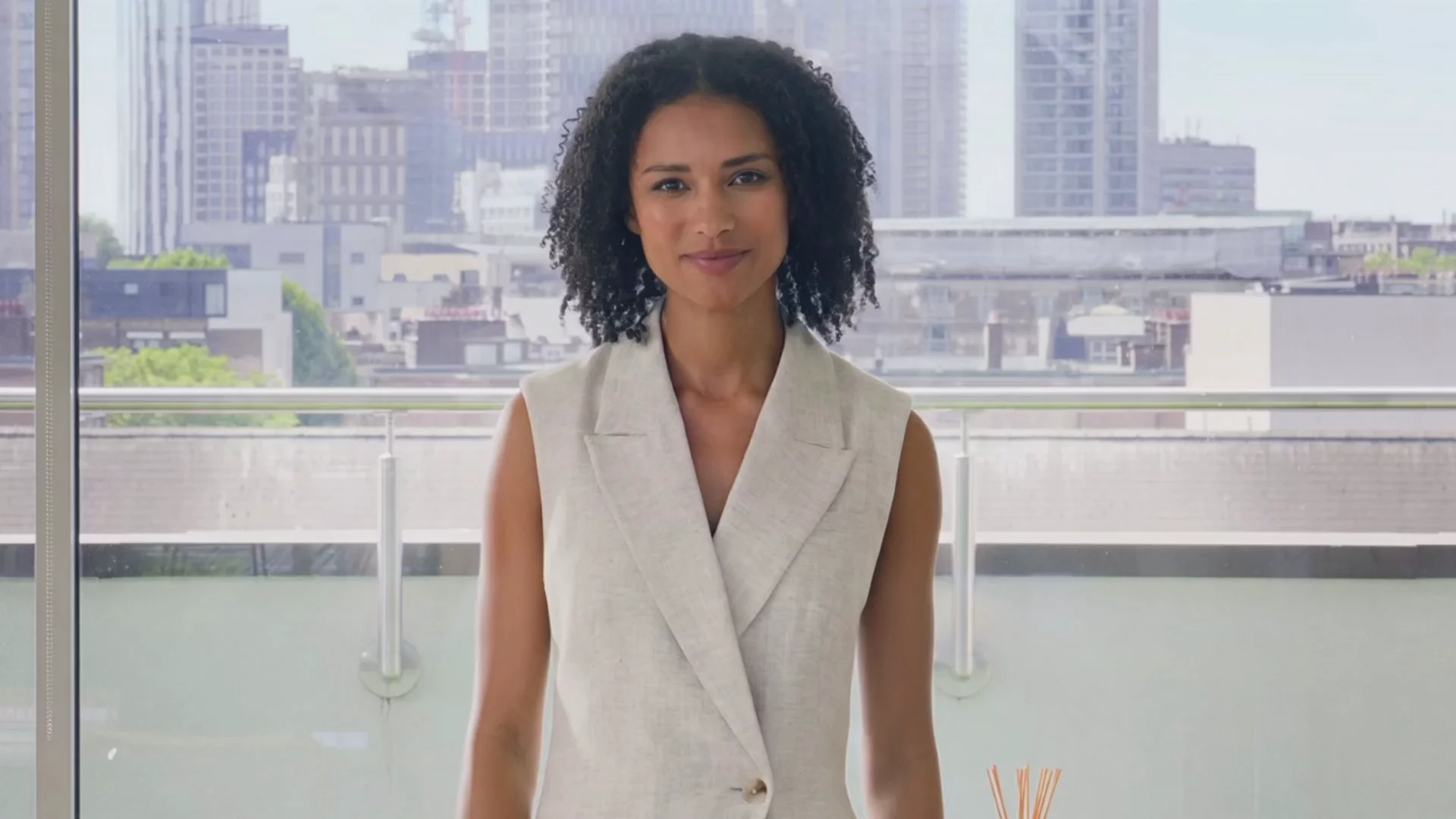

Give every video a human face that holds your audience's attention.
- Choose from 240+ AI presenters and fully customizable avatars
- Create a Personal Avatar that looks and sounds just like you
- Add AI voiceovers in 1000+ voices, accents, and languages
Make your video presentations interactive
Interactivity doubles completion rates and gets viewers to take action.
- Add branching paths so viewers navigate to what matters most
- Embed quizzes to check knowledge and improve retention
- Drop in CTAs that link to forms, docs, or articles
Why use video presentations?
Because video presentations are more engaging, more memorable, and more effective than slides or static documents.

Make complex information easier to understand
Research shows people understand information more deeply from words and visuals combined than from text or static slides alone. Narration paired with structured visuals reduces the cognitive effort needed to follow along, making complex ideas easier to grasp.

Help viewers remember what you presented
Across 180+ experiments, multimedia learning leads to measurably better learning outcomes (g = 0.37) compared to text-only formats. With narration, visuals, and pacing working together, a video presentation gives viewers the conditions they need to retain what they hear.

Drive better outcomes, not just attention
A systematic review found that video produces measurably better learning outcomes than text-only approaches, with effect sizes reaching g = 0.80. For training, sales, or internal comms, video presentations translate directly into better results.
How to create a video presentation with AI
Turn any idea, document, or URL into a polished video presentation in a few simple steps.
Start with any text
Type a topic, upload a PowerPoint, PDF, or DOCX, or paste a URL to generate your video presentation draft.
Customize your video presentation
Refine the script, choose a template, add an AI avatar and voiceover, then apply your Brand Kit, AI visuals, and motion graphics.
Generate, translate, and share
Click Generate to produce a finished video presentation. Translate into 140+ languages, export as MP4, share via link, or publish directly to your LMS.
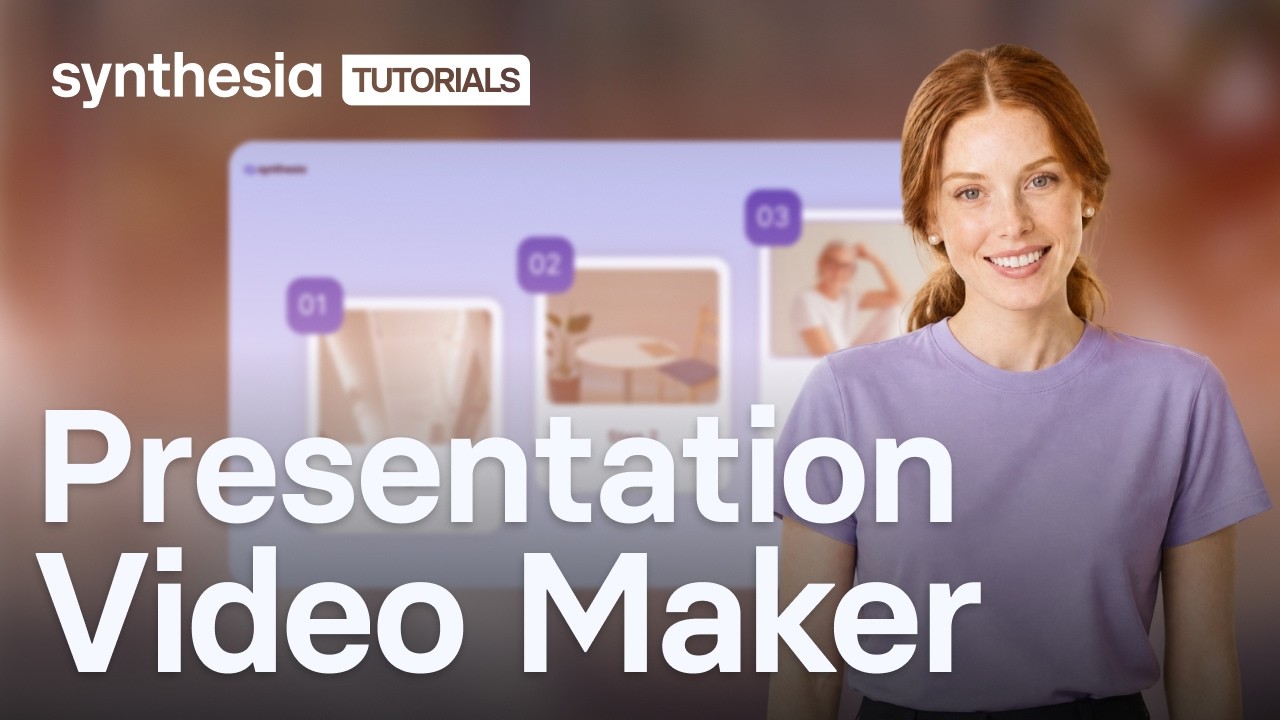

Who is a video presentation maker for?
Slides are easy to make, but rarely watched. A video presentation maker turns static content into narrated video that people actually finish.
L&D and training teams
Create onboarding, compliance, and skills training as video presentations that employees can watch in their own time, in any language.
Sales enablement
Turn sales proposals, product demos, and pitch decks into video presentations that reps can send ahead of calls or share with prospects.
Internal communications
Communicate policy changes, leadership updates, and company news as short video presentations that reach every employee, wherever they work.
Marketing teams
Produce product walkthroughs, explainer videos, and campaign presentations without a studio, then repurpose them across landing pages, email, and social.
Product and GTM teams
Deliver product launch presentations, feature walkthroughs, and roadmap updates as video so every stakeholder gets the same clear message.
A better video presentation maker for modern teams


"Now, I can take content from an existing presentation and turn it into an engaging video almost instantly."
"With Synthesia, I can put together a presentation in multiple languages that the teams can watch when it suits them."
"It was a revelation to me that you can create a video and a presentation together, still with your face. It's just magic."

Get started in minutes with 200+ free video presentation templates


Effective Communication

Understanding Your Bill
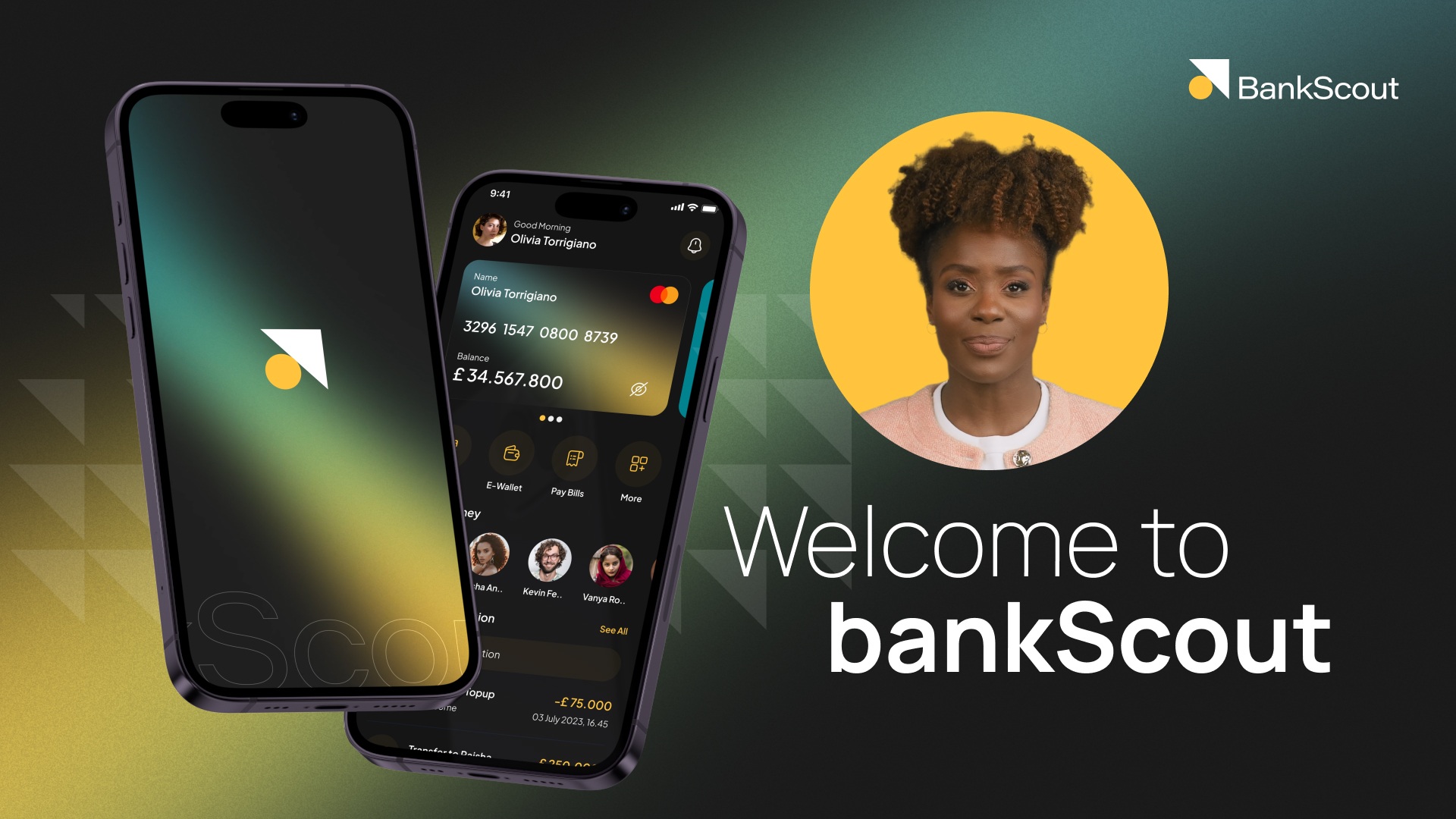
Welcome To BankScout
Phishing 101

Value Selling Fundamentals

Embracing Smart Tools

The complete AI video platform for your team

AI Screen Recorder
Record your screen once. AI transcribes your voiceover, removes pauses, and splits it into scenes.

Live Collaboration
Leave timestamped comments, request changes, and approve videos without leaving Synthesia.

1-Click Translation
Translate any video into 140+ languages automatically, with captions generated in every language

Smart Updates
Any embedded or shared video presentation updates automatically when you make changes.

Analytics
Track views, watch time, and completion across every video.


Pricing plans for every need
Scale as you go with plans designed to match your growth.


All your video presentation questions answered
How do I make a video presentation with AI?
Upload a PowerPoint, PDF, or Word document, paste a URL, or type a prompt describing what you need. Synthesia generates a structured draft with scenes, scripts, and suggested visuals. You then customize the layout, choose an AI avatar, select a voiceover, and apply your branding. Click Generate to produce a finished MP4.
Is Synthesia's video presentation maker free?
Yes, the video presentation maker is free to use. The free plan includes access to customizable AI avatars, AI voiceovers, templates, and AI-generated visuals, and lets you generate up to 10 minutes of video per month.
There is no credit card required to start. Paid plans unlock higher usage limits, Brand Kit, SCORM export, and team collaboration.
How do I make a video presentation without recording myself?
Yes. Choose a stock AI avatar from Synthesia's library and it presents your script for you, with no camera, microphone, or recording needed.
If you want an avatar that looks and sounds like you, you can create a Personal Avatar. This involves either uploading a photo or recording a short video clip, both of which also require a live consent recording that must be captured in-app.
What file types can I upload to create a video presentation?
Synthesia accepts PowerPoint files (.ppt and .pptx, up to 250MB and 50 slides), PDFs, Word documents (.docx), and URLs. You can also start from a plain text prompt.
When you upload a file, Synthesia extracts the content and generates a structured draft with scenes and scripts. You can edit everything in the editor before generating the final video.
How do I add voiceover to a video presentation without a microphone?
Synthesia generates AI voiceovers from your script automatically. You pick from 1,000+ voices across accents, tones, and languages, and the narration is produced without any recording setup or audio editing. If you want the voiceover to match your own voice, Voice Cloning lets you create a custom voice from a sample recording.
Can I translate my video presentation into other languages?
Yes, Synthesia supports 140+ languages for translation, covering both the spoken narration and any on-screen text. You can translate manually by selecting languages, or upload an XLIFF file for custom translations.
Translated versions are organised into a folder alongside the original, and viewers can switch between languages using the Multilingual Video Player.
What is the difference between a video presentation and a slideshow?
A slideshow is a sequence of static slides that needs someone to present them live.
A video presentation plays automatically, with narration, animations, and transitions built in. It works on any device, on any schedule, without a presenter in the room.
Unlike slides, a video presentation can be shared via link, embedded on a page, or published to an LMS, and viewers can watch it back as many times as they need.
What format does a finished video presentation export in?
Standard video presentations export as MP4. You can also share via a direct link, embed on any webpage with auto-updating embed code, or export as a SCORM file for LMS publishing.
If your video uses Interactivity, it cannot be exported as an MP4 and must be shared via Synthesia's player or SCORM. SCORM export is available on paid plans.
Do I need to download software to use the video presentation maker?
No. Synthesia is fully browser-based. You create, edit, and generate video presentations online without installing anything. The AI Screen Recorder is an optional Chrome extension for adding screen recordings to your presentations, but the core video presentation maker runs entirely in your browser.
Not just a video presentation maker
Synthesia is an end-to-end AI video platform to create, localize, manage, publish, and engage at scale. Start with the AI Script Generator to build your script from a prompt, then choose or generate an AI avatar to present your content and produce a polished video without recording a single frame.
Reach global audiences by translating any video into 140+ languages. From first draft to final distribution, Synthesia gives every team the tools to create and share professional video, all from one platform.
Discover more


Try Synthesia with a free video.
Simply type in text and get a free video with an AI avatar in a few clicks. No signup or credit card required.

