Free AI Video Generator
Describe your video and add context from a deck, doc, video or link. Get a studio-quality video in minutes.

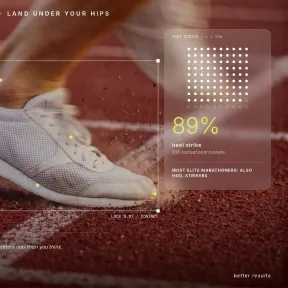







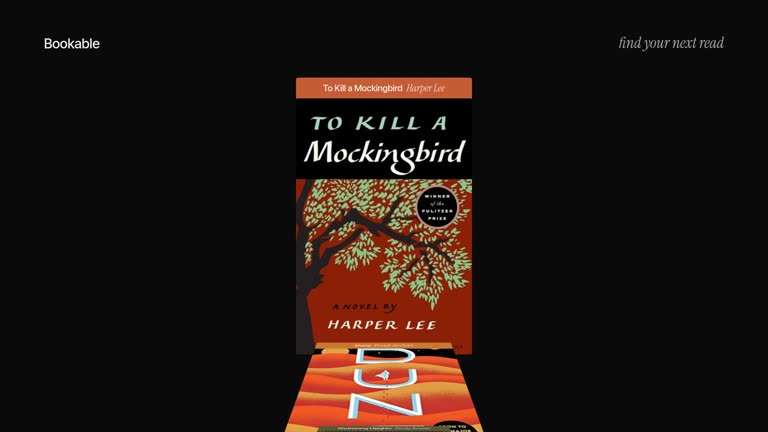
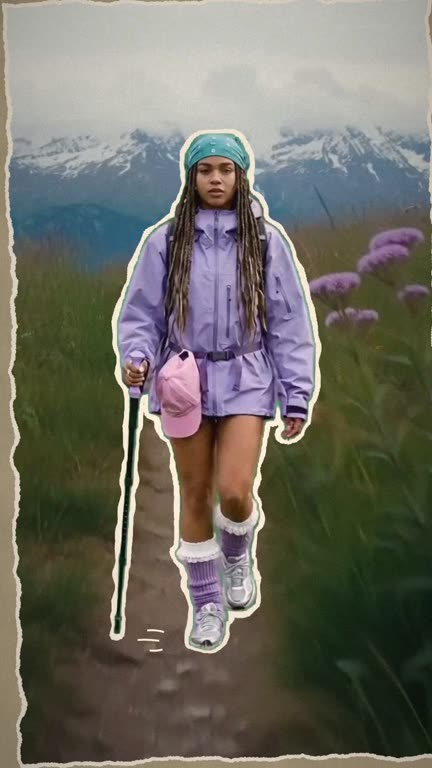
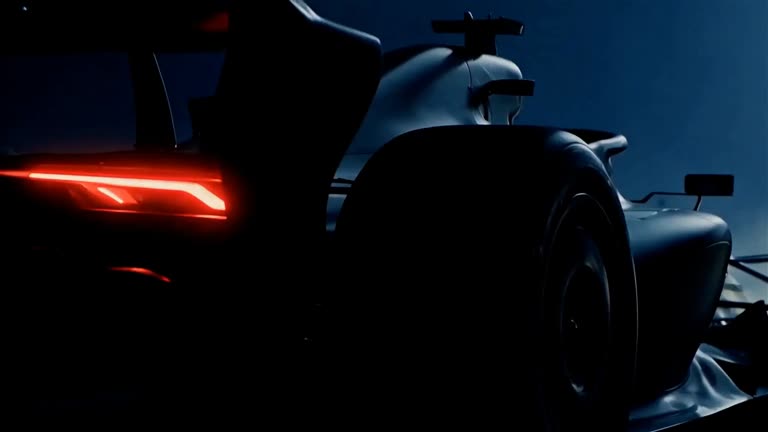

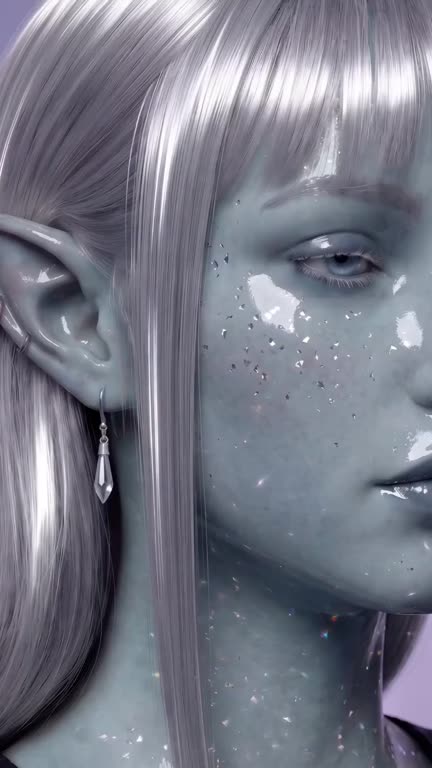




The AI video generator that makes finished videos
Describe it once. Syren, our AI video agent, writes the script, designs the scenes, and adds voiceover and music. Then refine it in chat.
Generate videos from any input
Go from idea to finished AI video faster than writing a brief.
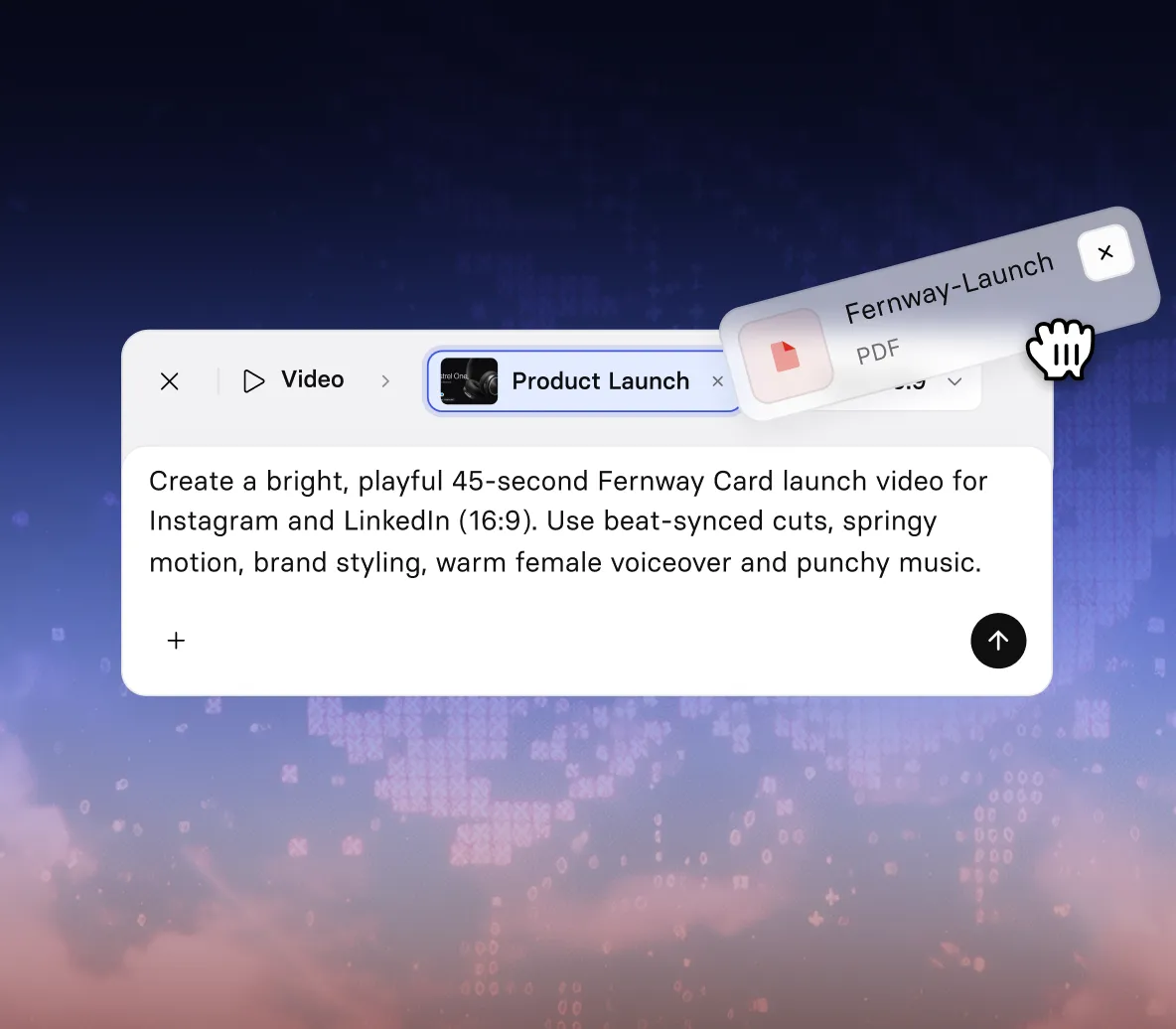
- Create a video from a prompt, script, PDF, PowerPoint, or URL
- Add images, video, or a YouTube link for Syren to work from
- No camera, editing timeline, or video skills needed
Get a finished video in one go
Syren writes, designs, and voices your video while you watch.
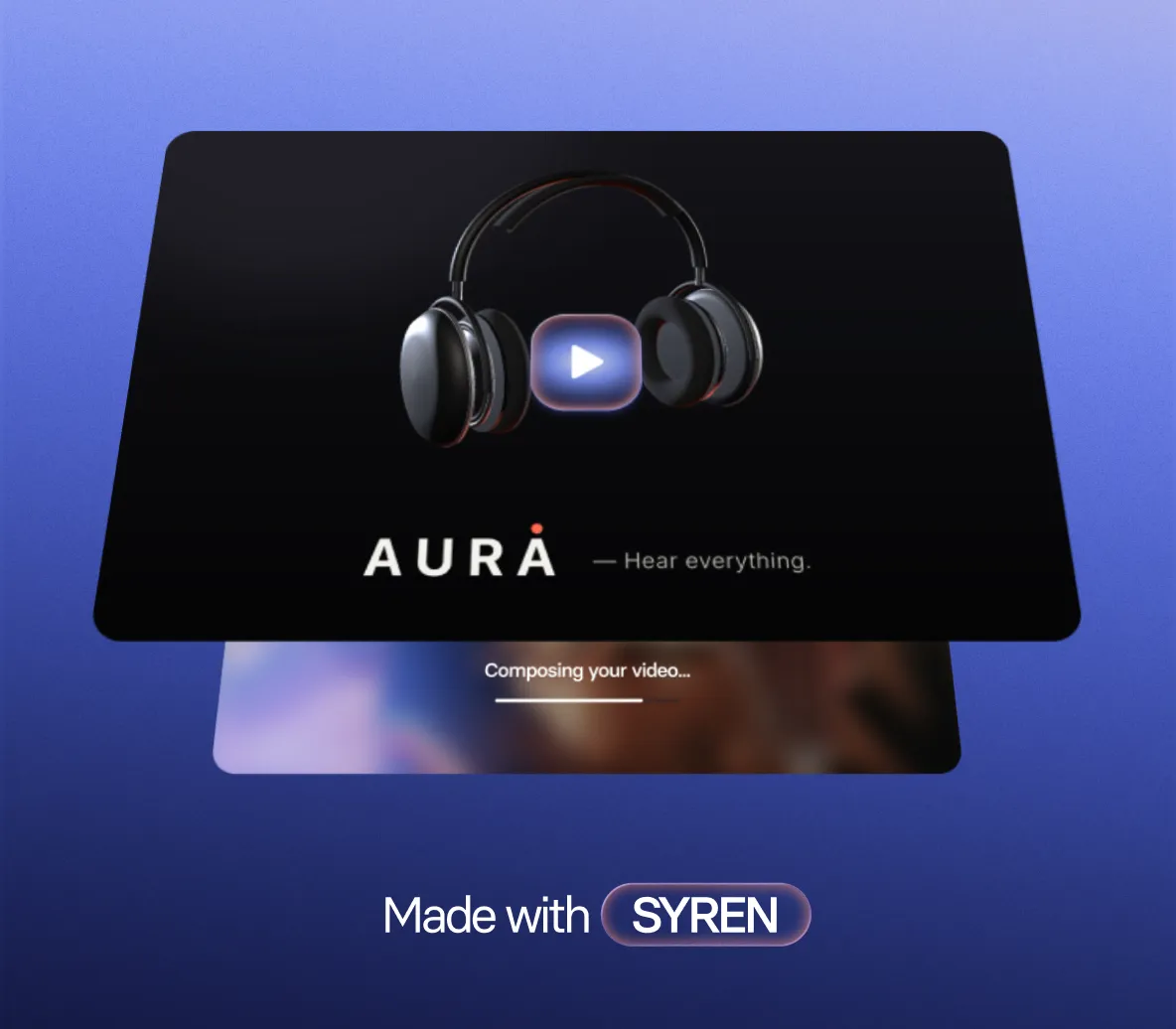
- Script, scenes, and AI-generated visuals planned for you
- Motion graphics, voiceover, and music included
- Watch your video build live, scene by scene
Edit your video by chatting
Ask for changes the way you’d brief a designer.
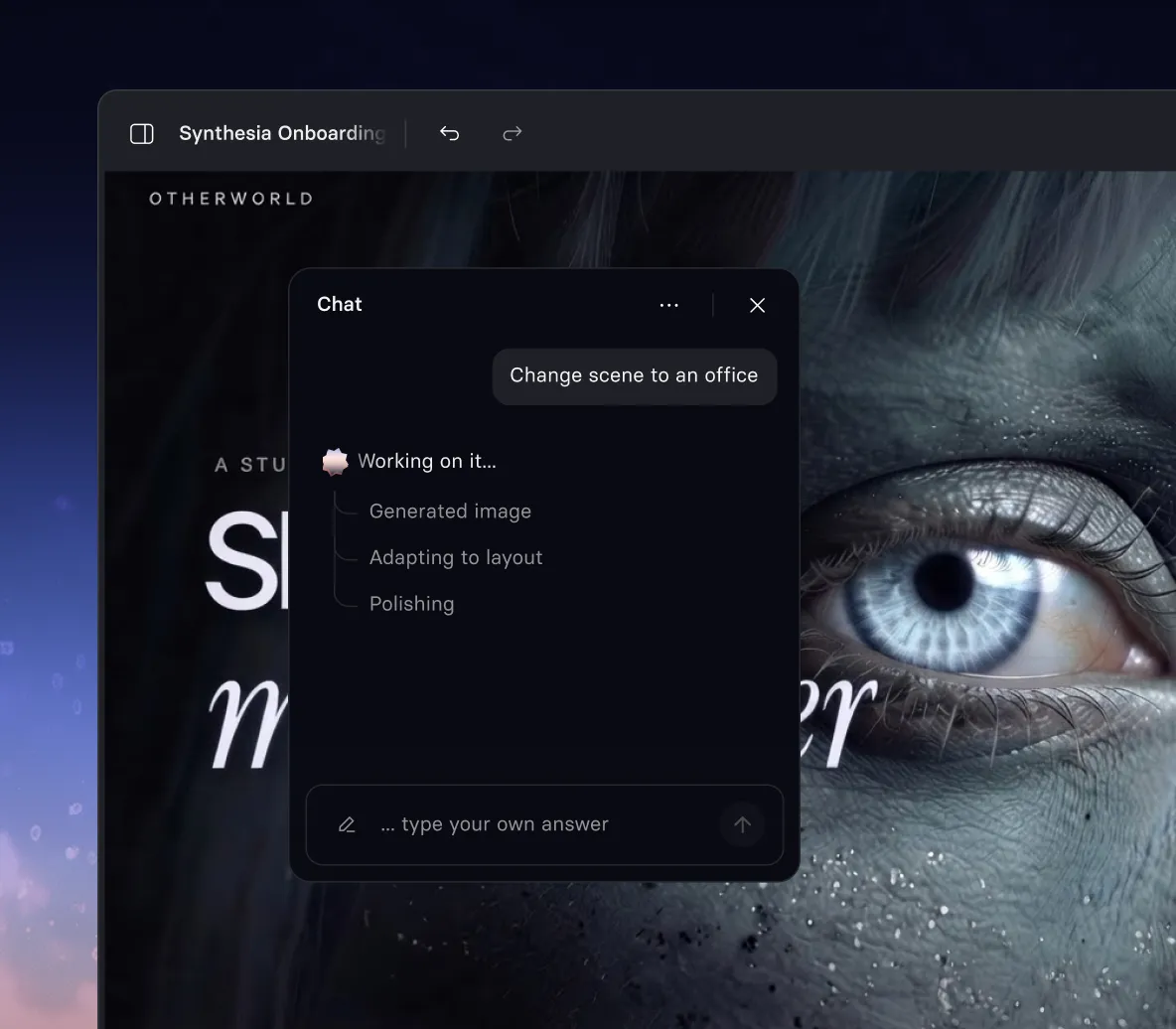
- Rewrite the script, tone, or ending in one message
- Add an AI avatar presenter, with voiceover in 140+ languages
- Restyle any scene without touching a timeline
Make it fit your brand and channel
Ready for your website, your slides, or your social feed.
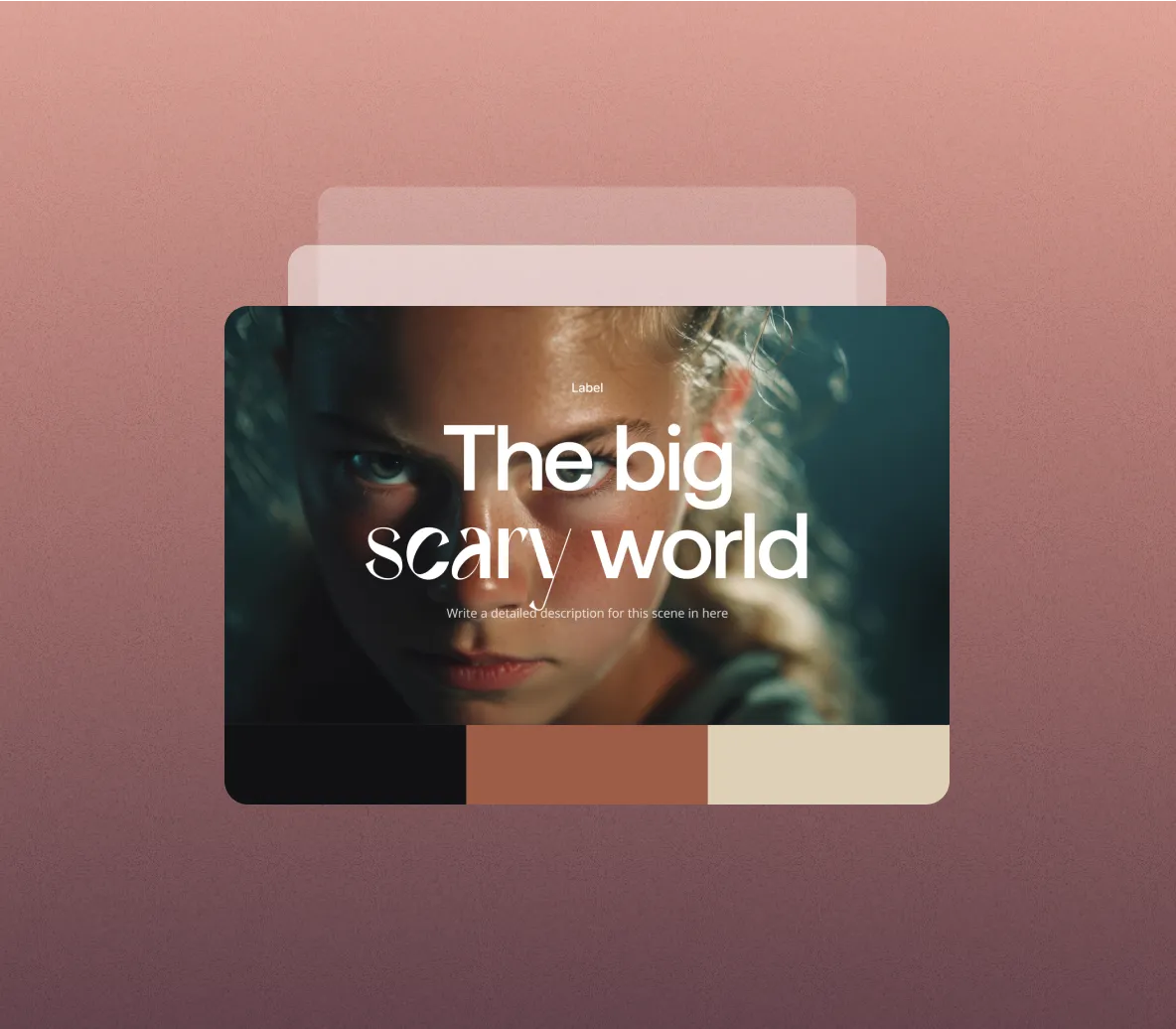
- Your brand colors applied from the first draft
- Landscape for web, portrait for social and mobile
- Create anything from quick clips to AI videos up to an hour-long
Access the latest AI video models
Prefer to work with a specific model? They’re built into Synthesia.
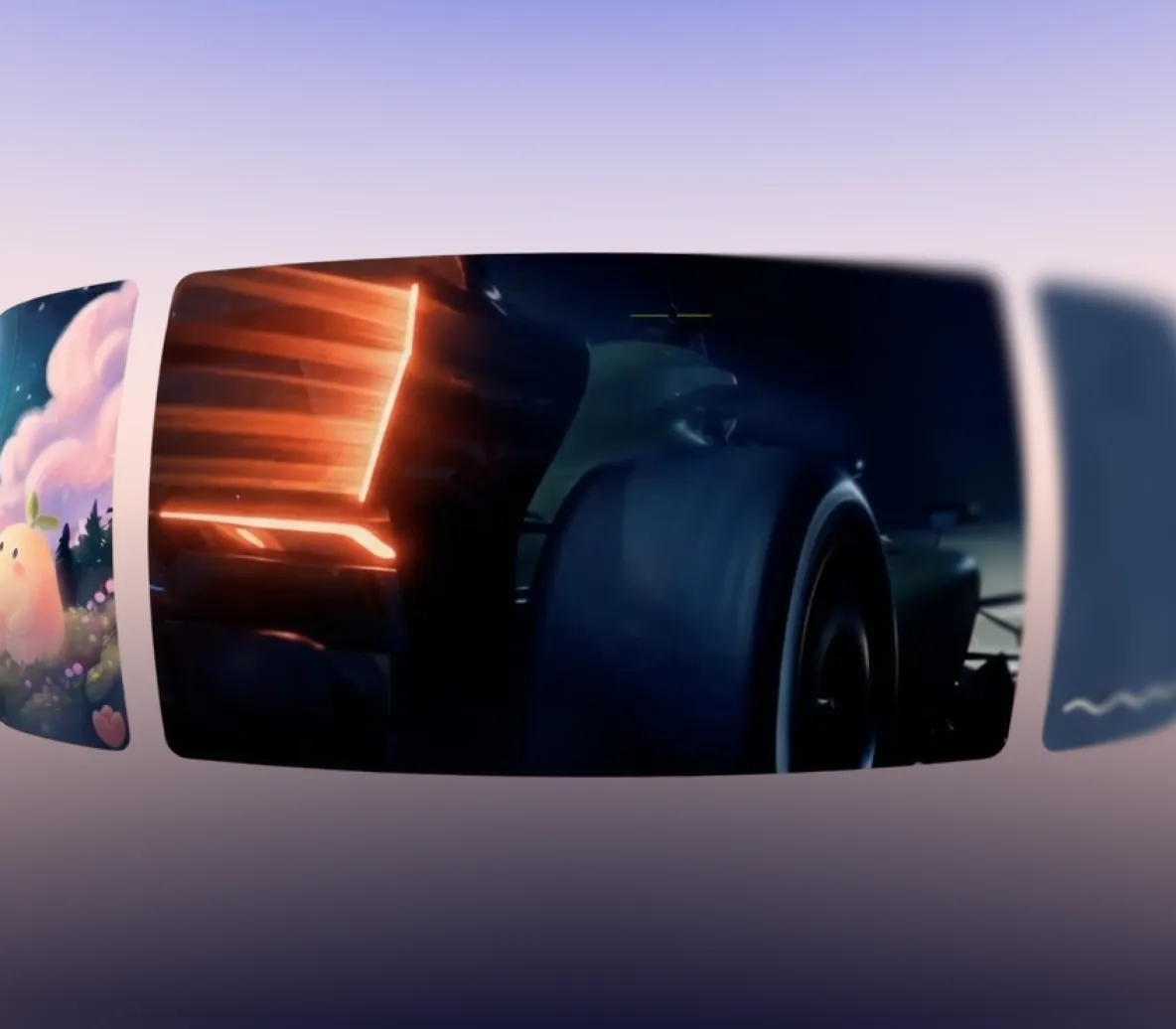
- Generate video clips with Seedance 2.5, Veo 3.1, Gemini Omni, FLUX 3 and more
- Turn text or images into cinematic AI video clips
- All in AI Playground, alongside Syren
How to create an AI video in Synthesia
Go from an idea to a finished AI video in four steps.
1. Describe your video
Type what you want in a sentence or two. Add a PDF, PowerPoint, image, video, or YouTube link to give Syren more to work with.
2. Watch it build
Syren writes the script, designs each scene, and adds voiceover and music. You see your AI video take shape live.
3. Refine in chat
Ask for a shorter intro, a new voice, a different avatar, or a fresh visual style. Syren makes the changes in seconds.
4. Download and share
When it looks right, download your video and use it on your website, in a presentation, or on social.


Recognized as the best video generator
Synthesia is the highest rated AI video generator on G2, the world's largest and most trusted software marketplace.
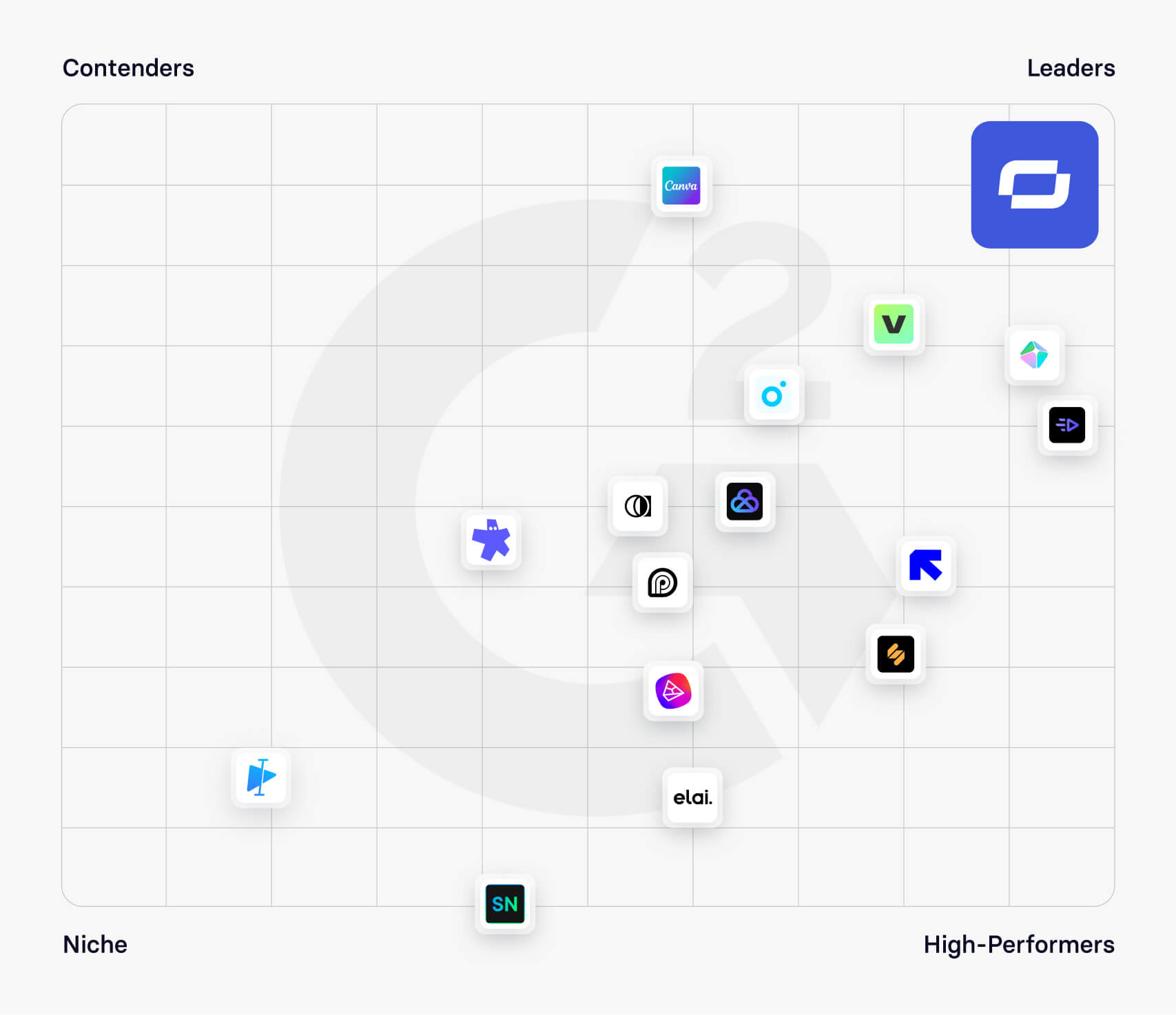
Rated 4.7/5 from 2,000+ reviews


How does Syren compare to leading AI video models?
We gave Syren and today's leading AI video models the same prompt. Here's what each one made.

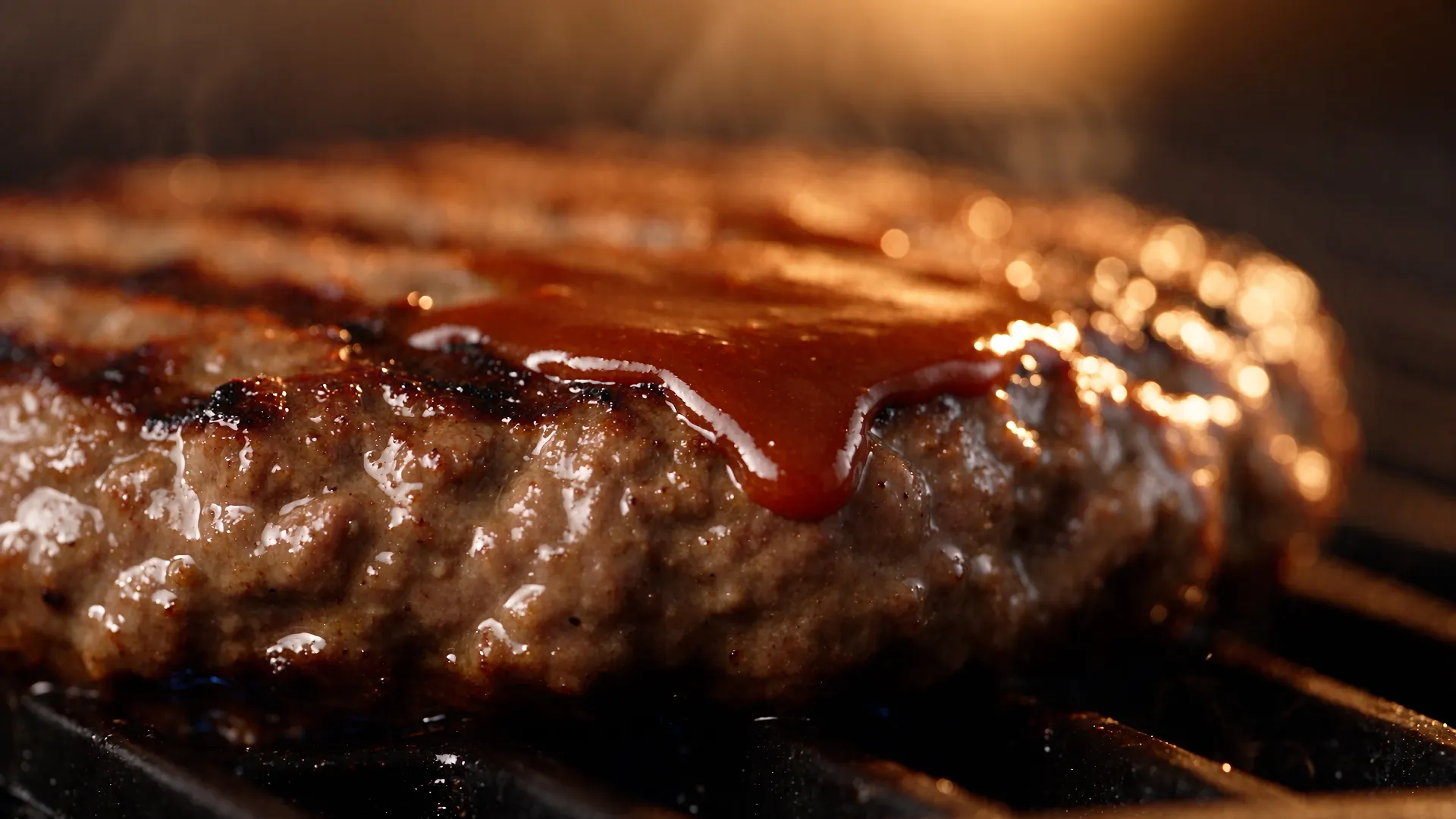

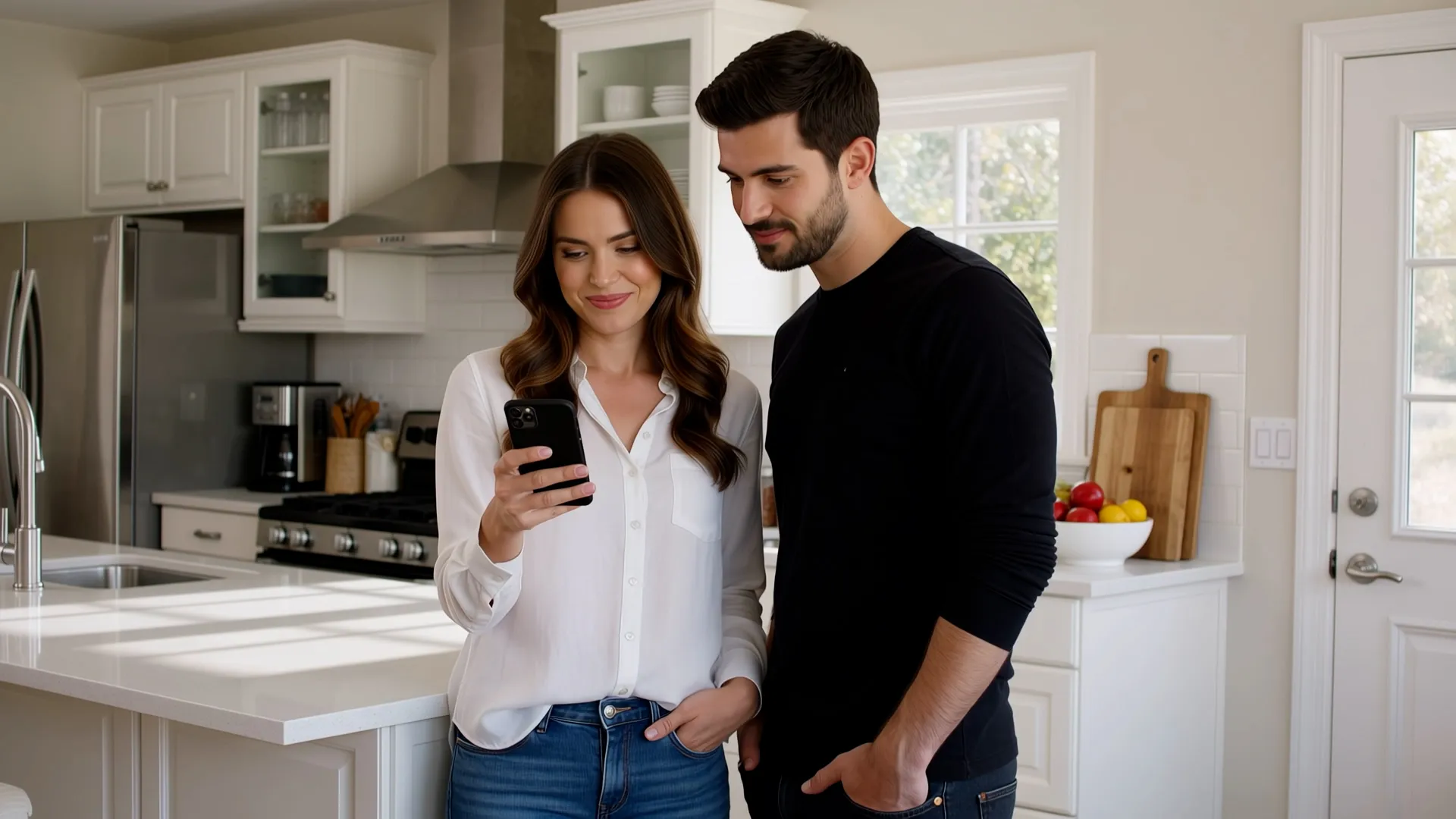
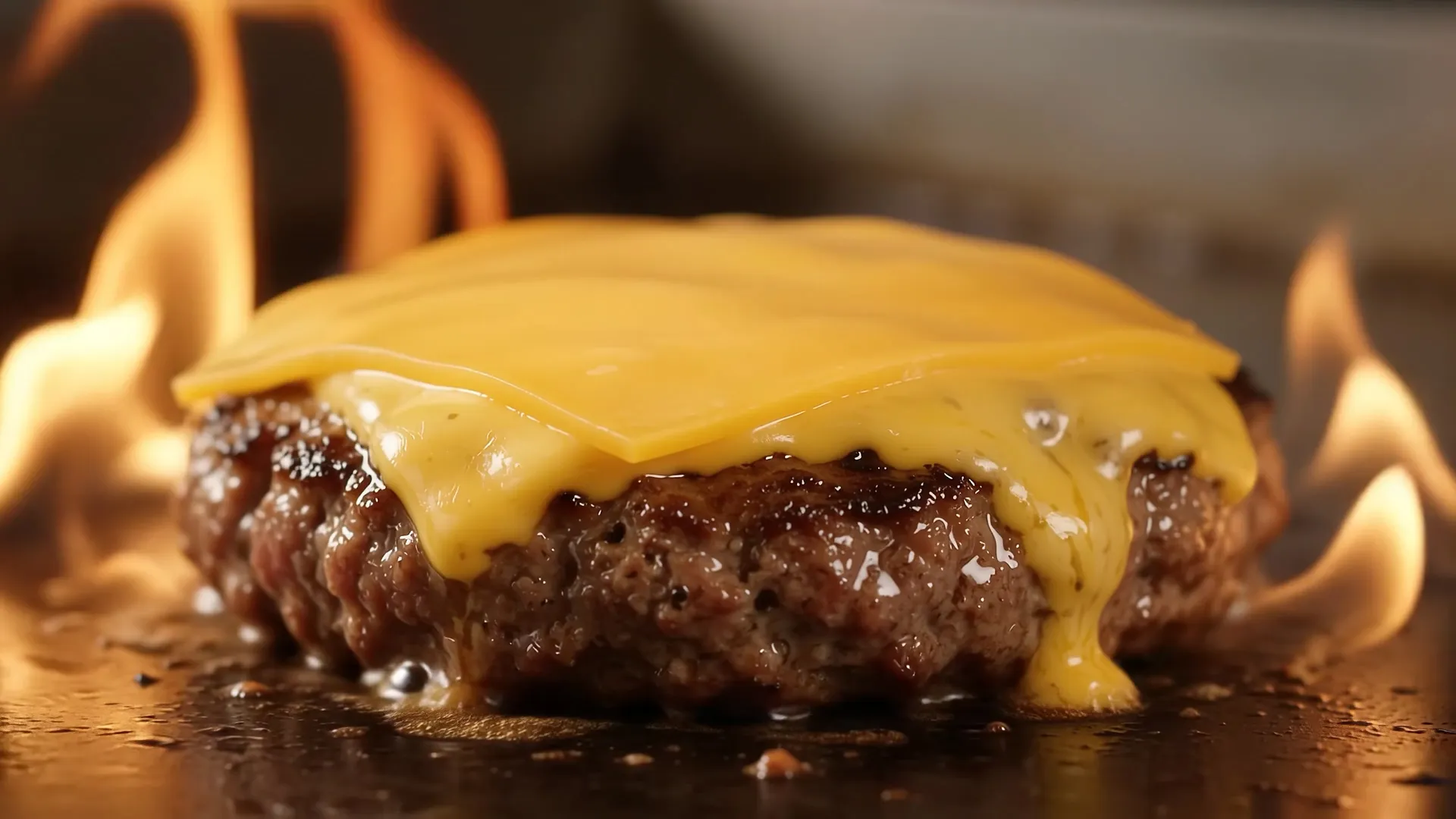
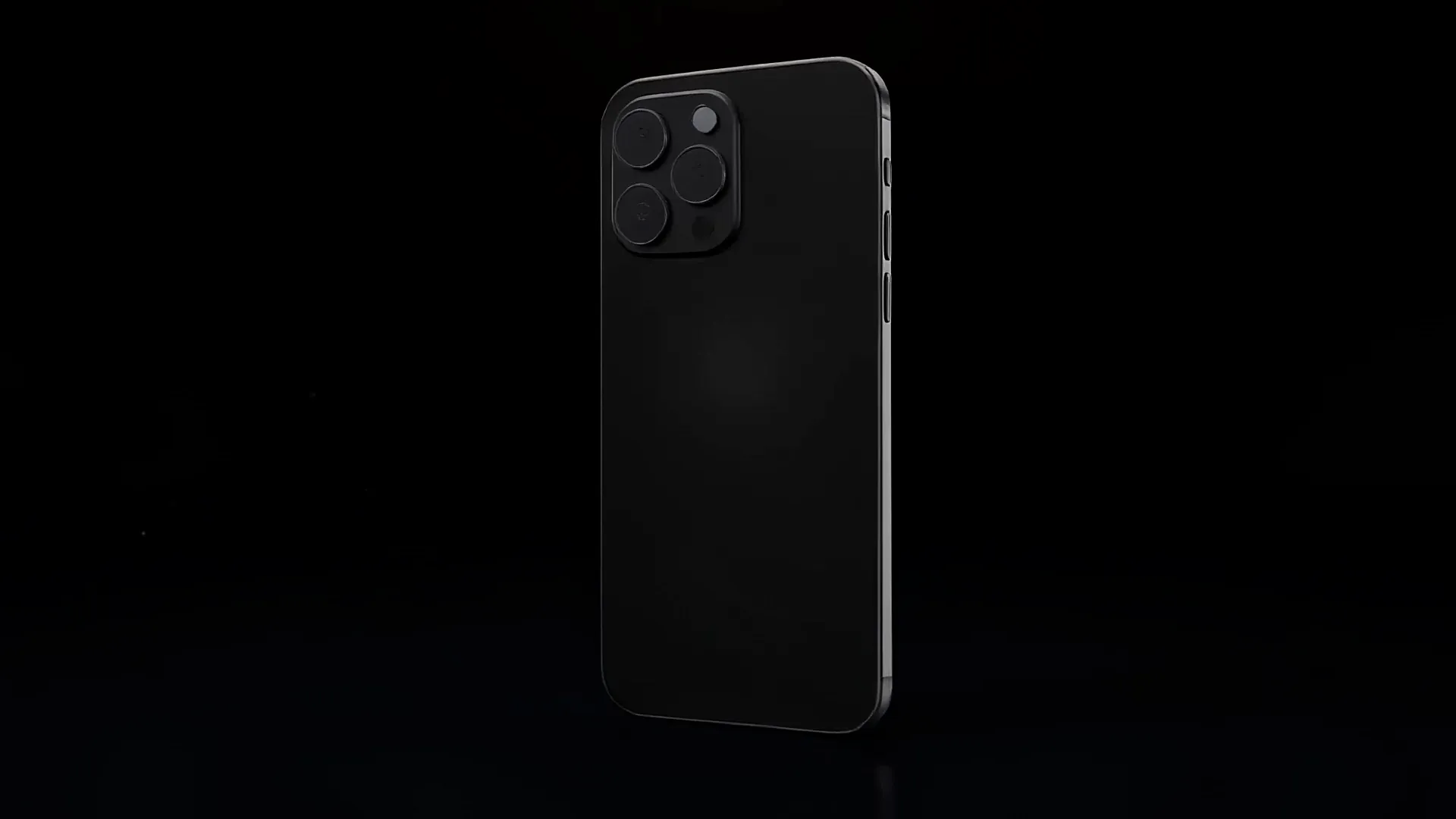
All videos were generated from the prompt above in November 2026, using each model's default settings, with no editing.
Who is the AI video generator for?
No cameras, crews, or production budgets needed. Teams use our AI video generator to make videos for any use case.

Use our marketing video maker, promo video maker, and AI video ad maker to launch campaigns in minutes, with no agency or shoot.

Make content for every feed with our social media video maker, AI reel generator, and AI TikTok generator, all from one prompt.

Ship every release with our product launch video maker, product demo video maker, and AI product video generator, built from your docs.

Win attention after every call with our explainer video maker and AI animation generator. Keep every asset current as products change.

Turn updates into videos people actually watch with our infographic video maker and brand video maker, so every message stays on brand.

Create training videos your team can update anytime with our onboarding video maker and tutorial video maker, with no reshoots or production team.
AI video generation FAQs
What is an AI video generator?
An AI video generator is software that creates videos from text, documents, or images, with no camera, crew, or editing skills needed. With Synthesia, you describe the video you want and Syren, our AI video agent, makes a finished video with script, scenes, voiceover, and music, which you can then refine by chatting.
Is Synthesia's AI video generator free?
Yes, Synthesia's AI video generator is free to use. The free plan lets you create videos from prompts or any other input with Syren, add AI avatars and voiceovers in 140+ languages, and generate clips in AI Playground with models like Seedance 2.5, Veo 3.1 and FLUX 3 (as well as AI image generation models like FLUX.2 and Nano Banana Pro). On the free plan, Syren makes videos up to three minutes long. To make an AI video for free, sign up with no credit card, describe the video you want, and Syren builds it while you watch.
What is the best AI video generator?
According to G2, Synthesia is the best AI video generator, ranked #1 out of 1,000+ tools in its Best AI Video Generators list. Syren, our AI video agent, turns a prompt, doc, or deck into a finished video with script, scenes, voiceover, and music. AI Playground gives you leading AI video models like Seedance 2.5, Veo 3.1 and FLUX 3 for individual clips. Every video can match your brand colors, and you can add realistic AI avatars as presenters, all on one platform trusted by 90% of the Fortune 100.
How is Synthesia different from AI video models like Veo, Seedance, or Kling?
AI video models like Veo, Seedance, and Kling generate short clips from a prompt. Synthesia makes the whole video. Syren, our AI video agent, writes the script, designs the scenes, and adds voiceover and music, with an AI avatar to present it if you want one. If you’d rather work with a specific model, Veo 3.1, Gemini Omni, and FLUX 3 are built into AI Playground.
How long does it take to generate an AI video?
Most videos are ready in minutes. Syren builds your video live, so you can watch it take shape and start refining it straight away.
How long can AI-generated videos be?
Videos made from a prompt can be up to 60 minutes long, depending on your plan, in landscape or portrait. For anything longer than 15 minutes, you'll be asked to confirm the plan before the video is built.
Do I need video editing experience?
No. Describe what you want and Syren does the editing. To make changes, ask in chat for a new script, voice, or visual style, or select one part to change and keep the rest the same. You can also edit motion graphics text, numbers, and colors directly.
Can I add an AI avatar or create one of myself?
Yes. Syren can feature Synthesia’s realistic AI avatars as presenters, including supported stock avatars and avatars you’ve designed with Avatar Builder. Syren can suggest avatars, let you preview their voices, or create a new avatar from a description. To use a specific avatar, name it in your prompt. On Starter plans and above, you can also create a personal AI avatar of yourself from a photo and a short consent recording, then ask Syren to use “my avatar.”
Can I make AI videos in other languages?
Yes. Synthesia supports AI voiceovers in 140+ languages, so you can create videos for audiences around the world. You can also use AI dubbing to translate finished videos with natural-sounding voices.
Can I use AI-generated videos commercially?
Yes. You own the videos you create with Synthesia and can use them for commercial projects like product launches, marketing, and company communications. Make sure you have the rights to anything you upload, such as images, footage, or logos.
Can ChatGPT or Claude make videos?
Yes, with Synthesia. In ChatGPT, add the Synthesia app. In Claude, add the Synthesia connector under Settings → Connectors, then enable it in your chat. Connect your Synthesia account and ask for the video you want, like “Make a 60-second explainer for our new app using Syren.” In both, the video appears in the chat, where you can refine it, download it, or publish a share link for your team. In ChatGPT, you can also attach a deck, PDF, or image for Syren to work from.
Is Synthesia's AI video generator suitable for enterprise use?
Yes. Synthesia is trusted by 90% of the Fortune 100, is SOC 2 Type II and ISO 42001 certified, and is GDPR compliant. Enterprise plans add SSO, brand kits, and admin controls, including the option to manage access to Syren.

Ready to try Synthesia?
Join 2M+ users today and start creating videos with AI avatars in 140+ languages.