
AI TikTok Video Generator
Create TikTok videos from an idea, a brief or a video you love with our AI TikTok generator. Try it free.









Examples
An AI TikTok generator that turns one prompt into a finished video
Describe your video and add your brand assets. Syren writes the script, designs every scene, and adds voiceover and music.
Start from a brief or a video you love
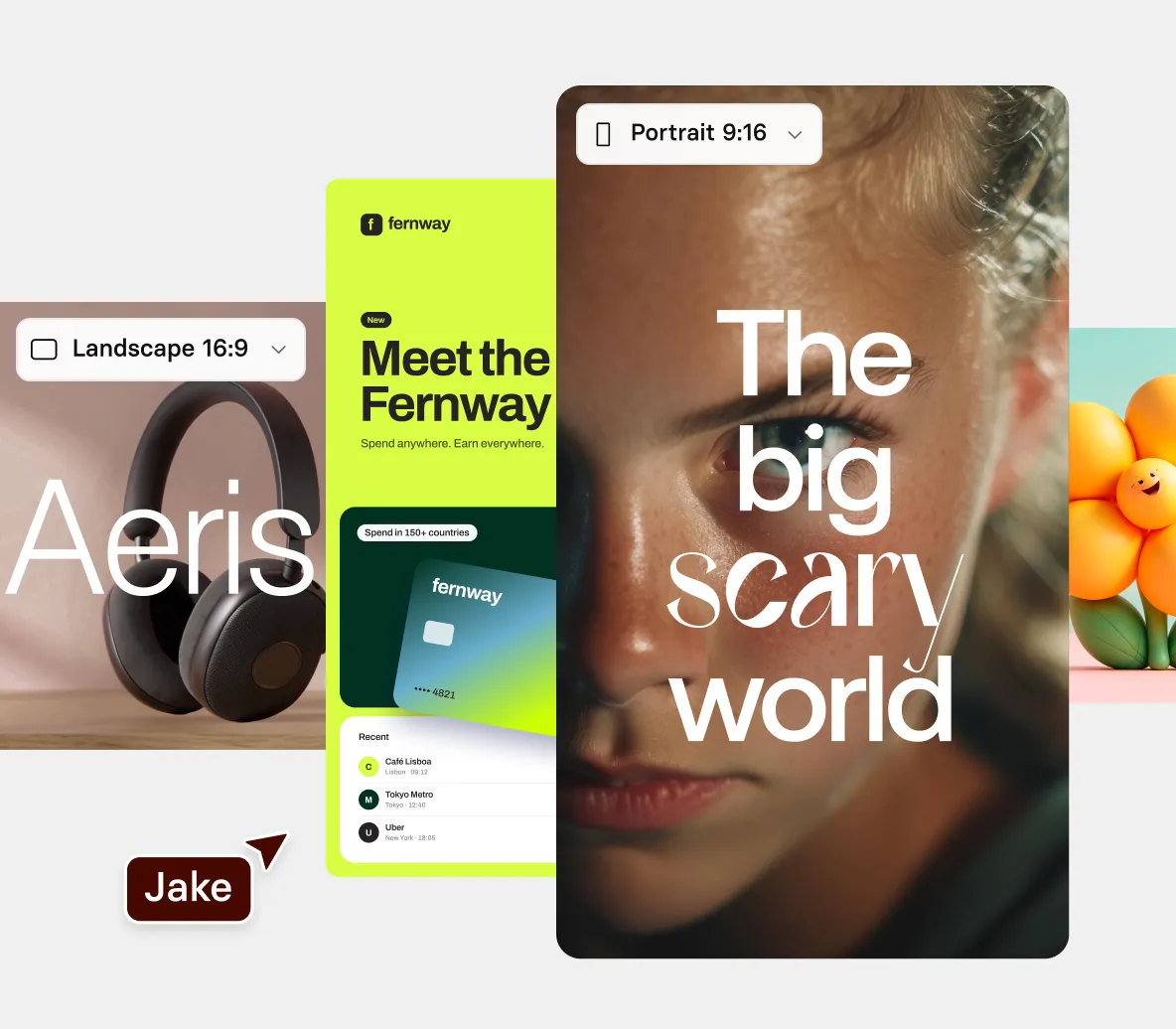
- Describe your topic, audience, and tone, and Syren writes the narration
- Share a video you love or a YouTube link to give Syren more to work with
- Remix an example video to keep its pace and style with your content
Make TikToks that look like your brand
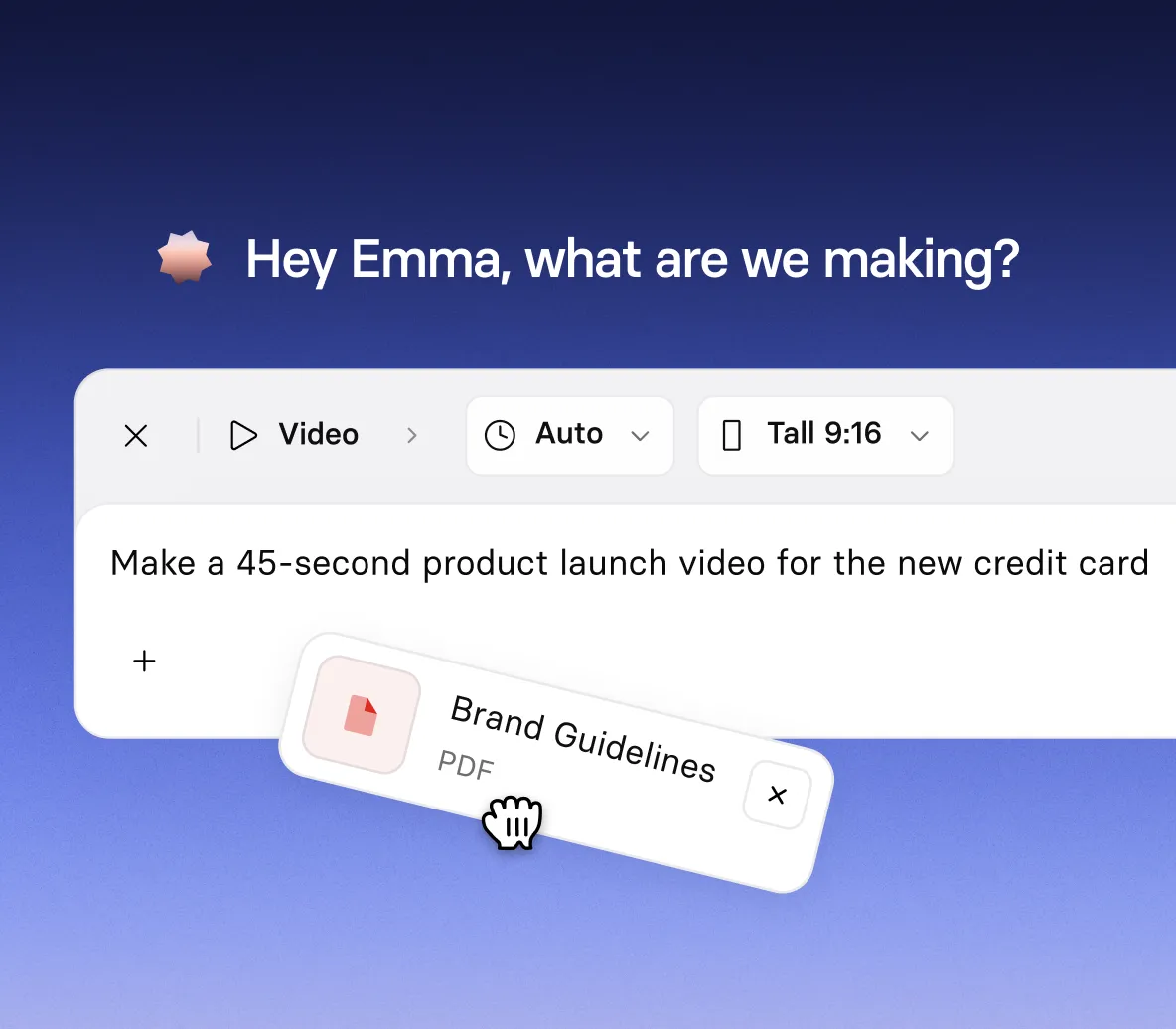
- Upload your logo, brand guidelines, or website for the best results
- Choose Tall 9:16 so every scene fits the For You feed
- Add a presenter avatar and voiceover, or keep it to motion graphics and music
Fix one moment without rebuilding the video
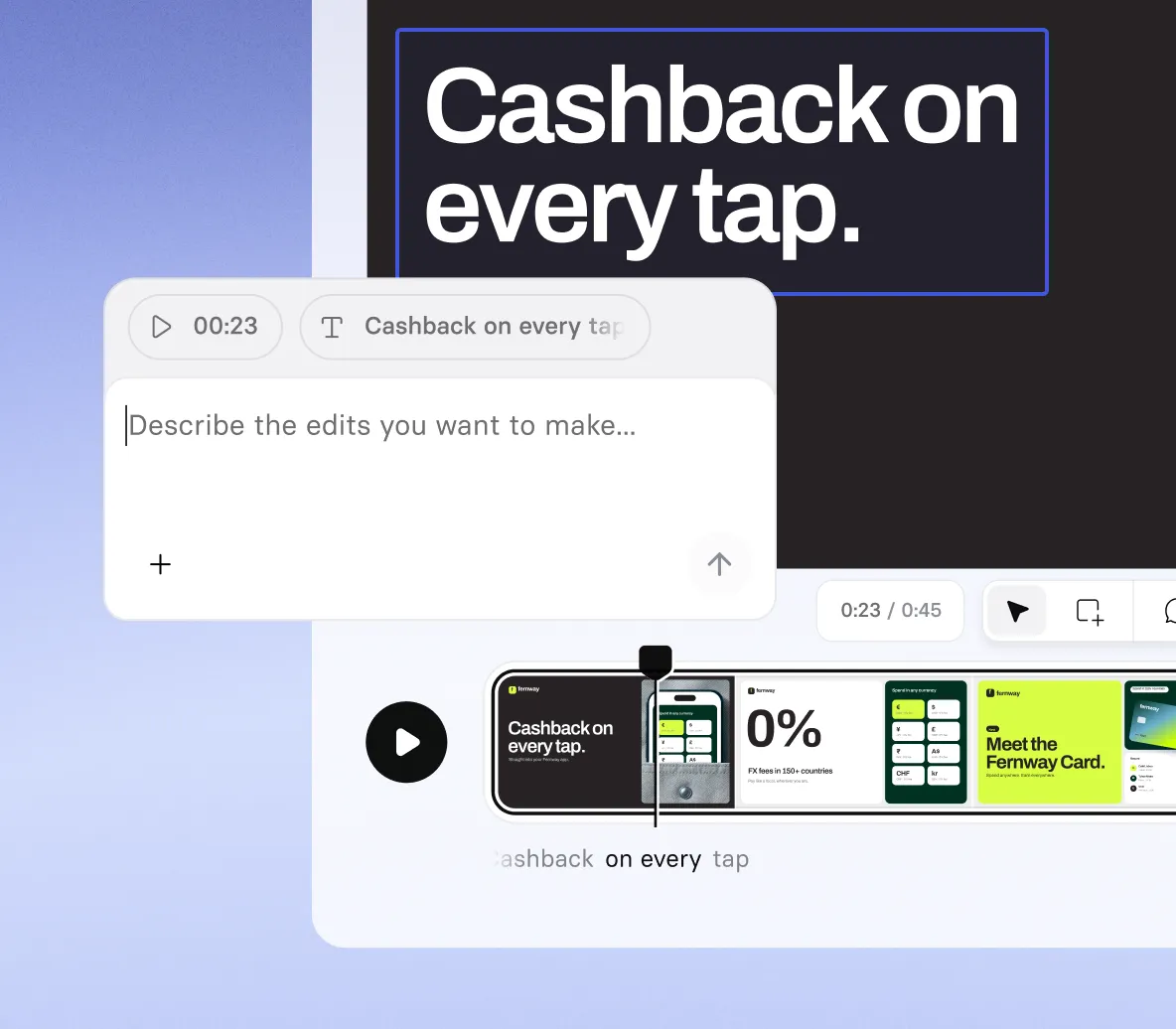
- Drag the playhead to a moment, then tell Syren what to change there
- Select an element and type an instruction, such as “fade this in at 2s”
- Ask Syren to fix pronunciation, music, or shot types when something’s off
Download it and post it to TikTok
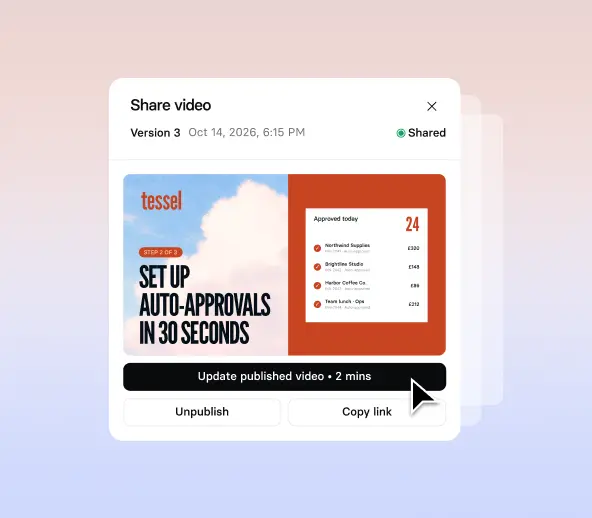
- Generate in up to 1080p and download your video
- Upload it to TikTok yourself, as an organic post or an ad
- Remix it into your next TikTok to keep a series consistent
How to make a TikTok video with AI
Four steps from your first prompt to a TikTok video ready to download.
1. Write your TikTok prompt
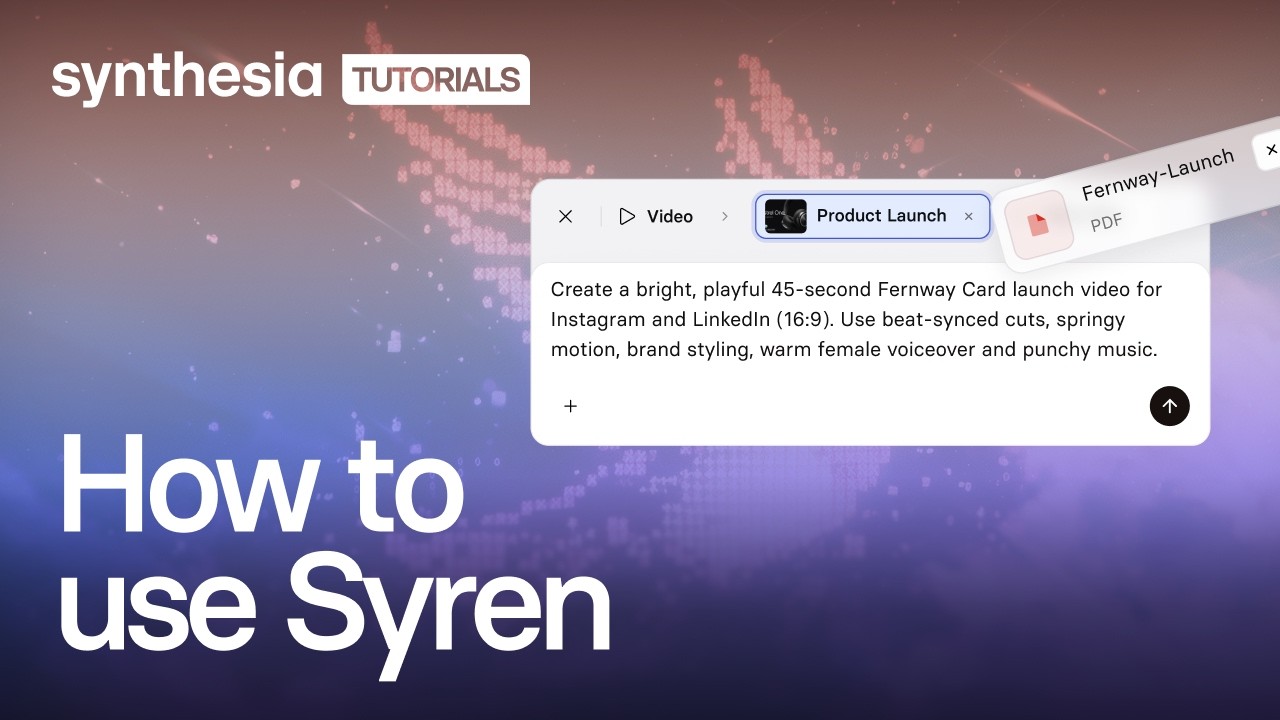
Select Syren under Tools, choose Tall 9:16, then describe the topic, audience, tone, visual style, narration, and music.
2. Add a brief or a video you love
Optionally select + to add a document, image, video, PowerPoint file, or YouTube link, then select Send.
3. Fine-tune the live preview
Watch Syren build your video, then drag the playhead to a moment and tell Syren what to change there.
4. Generate and download your video
Select Generate, pick a resolution up to 1080p, and download your video to upload to TikTok.

The TikTok video generator trusted by modern teams

Over 2000+ five star reviews on G2
TikTok videos for every moment
From a quick explainer to a full story, our AI TikTok generator turns your ideas and briefs into vertical videos in minutes.

Break down any concept with animated visuals and a clear narrator, so viewers get the idea fast.

Tell a story scene by scene in your own words, with a narrator, simple visuals, and a music bed that sets the mood.

Count down a numbered list, such as five tips or three mistakes to avoid, and give each point its own beat.

Walk through a hack or how-to one clear step at a time, with a narrator and simple visuals that show each move.
AI TikTok generator FAQs
How does the AI TikTok generator work?
You describe the video you want in Syren, Synthesia’s AI video agent, and add your brand assets. Syren writes and renders the video as you watch, and asks follow-up questions if it needs more, like who the video is for. Then you refine it in chat or by editing elements directly.
Is the AI TikTok video generator free?
Yes, you can start making TikTok videos with Syren for free. Videos on the free plan include a Synthesia watermark. Availability varies by region, and the pricing page has the latest credit and plan details.
Can I create TikTok videos with AI from a brief or an existing video?
Yes. Add a brief, deck, images, a video you love, or a YouTube link, and Syren uses them as context. For the best results, add your logo, brand guidelines, or website too. Start with a short prompt and refine in chat, since very long prompts can fail to generate.
What shape and length can a TikTok video be?
A video from the AI TikTok generator can run up to three minutes, in Tall 9:16 or Wide 16:9. Choose the shape from the aspect ratio dropdown before you send your prompt. You can’t choose a shape if you start from an example video, but you can ask Syren in chat to fix the aspect ratio. TikTok sets its own limits, so check them before you post.
Can I post my video straight to TikTok?
No, Syren doesn’t post to TikTok. Select Generate, choose a resolution up to 1080p, download your video, and upload it to TikTok yourself.
Can I use videos made with Syren on TikTok?
Yes. You own the videos you create with Syren and can use them for organic posts or ads on TikTok and other platforms. Make sure you have the rights to anything you upload, such as images, footage, or logos.
Can I make TikTok videos with AI without showing my face?
Yes. Syren builds videos from motion graphics, kinetic type, voiceover, and music, so nobody has to appear on camera. If you want a presenter, you can add one of Synthesia’s Avatars and swap it any time in chat. To use your own Personal Avatar or cloned voice, create your video in Synthesia Studio.
Can I edit my TikTok video without starting over?
Yes. Drag the playhead to the moment you mean, or select an element, and Syren uses both with each chat message. You can also select an element on the picture to move it, retype it, or give it an instruction like “make this bigger”. Undo and redo reverse every change, yours and Syren’s.
How is the AI TikTok generator different from Synthesia Studio?
Syren is prompt-driven and made for speed and creativity, while Studio is built for content where the message has to be exact and repeatable, like training, compliance, and onboarding. In Studio, the AI video generator gives you control over every script line and scene.
Not just an AI TikTok generator
Synthesia is an end-to-end AI video platform for creating, localizing, and managing video at scale. Syren builds TikTok videos from a prompt, Avatars add a presenter when you want one, and the AI voice generator narrates in a natural voice.
Then translate every video into new languages, dub existing videos with AI, and refine it all in the AI video editor. One platform, from the first brief to a global audience.
Discover more

Ready to create TikTok videos with AI?
Join 2M+ users today and go from brief to vertical TikTok video with Syren.