
AI Real Estate Video Maker
Add a link, photos, or a document, and create listing videos, market updates, and neighborhood guides in minutes. Try it for free.









Examples to remix
Create professional real estate videos with Synthesia
Syren turns your photos and listing details into a finished video that you can edit by chatting with the agent.
Turn prompts, links, and photos into a real estate video
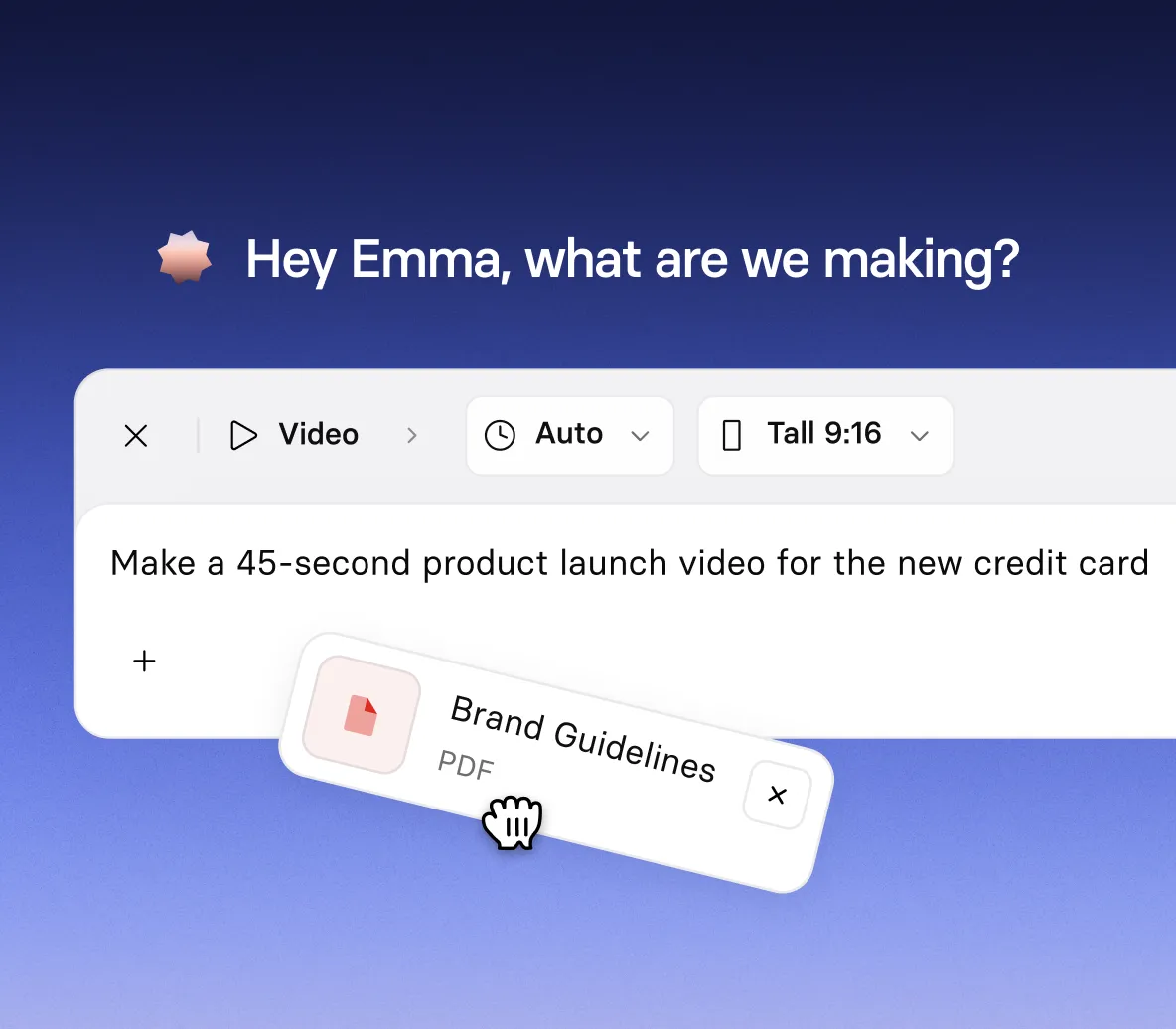
- Paste a listing link or add photos to make a listing video
- Upload a market report or deck to make a market update
- Add photos and clips of the area to make a neighborhood guide
Describe the video, then watch Syren build it
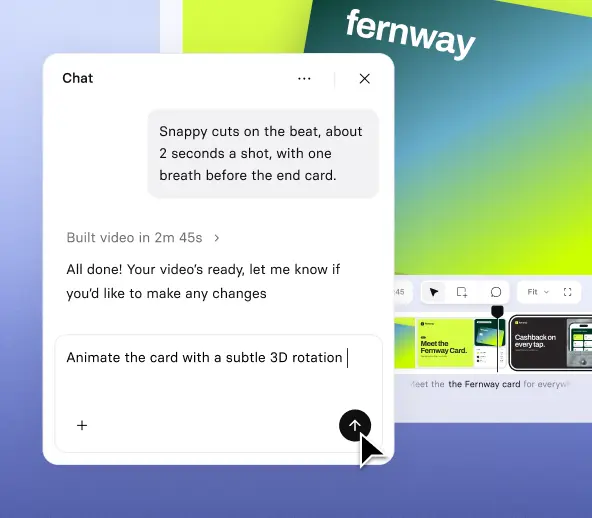
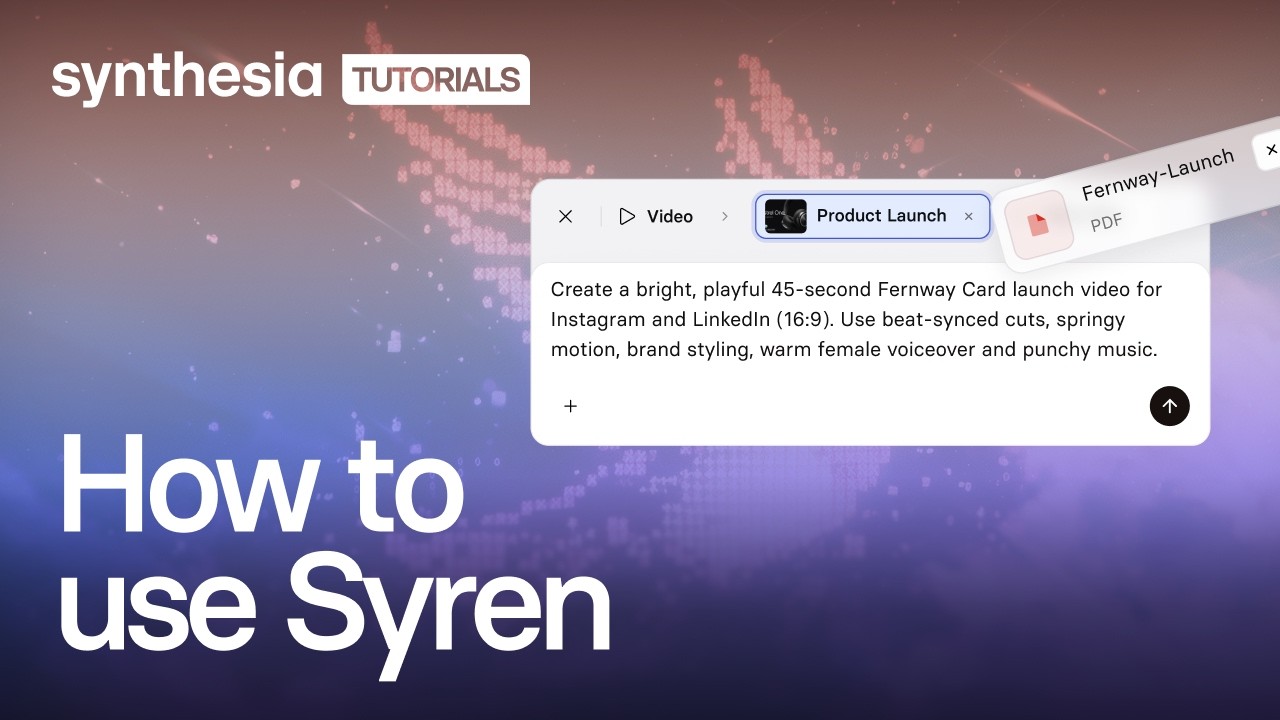
- Tell Syren what the video is about, who it’s for, and the tone you want
- Ask for changes in chat, like a new script or different shots
- Generate a video with your logo and branding
Present your listing with avatars, narration, and motion graphics

- Get a realistic presenter to talk viewers through the listing photos
- Add narration, music, and motion-graphics
- Show the location, size, and key features as on-screen text
Get a share-ready video in vertical or landscape
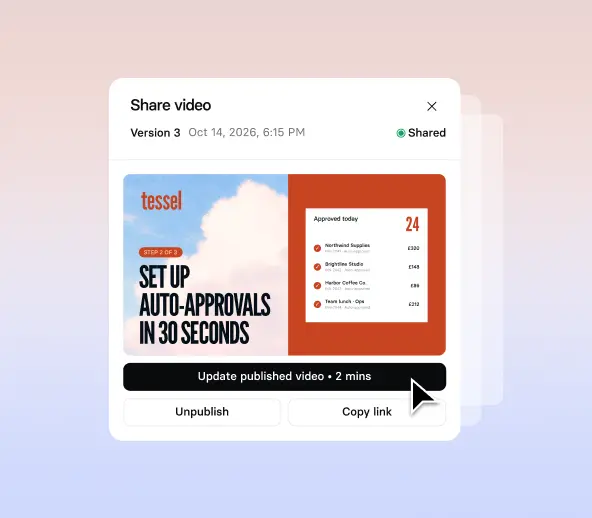
- Choose wide 16:9 or tall 9:16 before you send your prompt
- Generate in up to 1080p, for videos up to three minutes long
- Download the finished video, or share it with a link
How to make a real estate video with Syren
Four steps from a short prompt to a finished, on-brand real esate video that you can share with your clients.
1. Open Syren
Select Syren under Tools in the navigation menu, then choose wide 16:9 or tall 9:16.
2. Describe your video
Say what the video is about, who it’s for, and the tone you want. Syren asks if it needs more.
3. Add your materials
Attach listing photos, a market report, your logo, or videos, or paste a listing or YouTube link, then select Send.
4. Refine and generate
Watch the live preview, ask for changes in chat, then select Generate to choose a resolution and download or share.

The real estate video maker trusted by modern teams

Over 2000+ five star reviews on G2
One tool for every real estate video you need
From a single listing to a monthly market report, create real estate videos for buyers, sellers, and renters from the material you already have.

Turn a listing link and photos into a short video that shows off the home, with a presenter and on-screen text for size and key features.

Attach a market report or deck and get a clear update for clients, with the key figures on screen and a presenter to talk through them.

Add photos and clips of the area, then describe the vibe. Syren builds a guide to the streets, cafes, and schools that help buyers picture living there.

Describe the event, add a few photos, and make a short vertical video that invites people to the open house, with the date and time on screen.
FAQs
Is the AI real estate video maker free?
Yes, the AI real estate video maker is free to start. New accounts get free credits that cover one full first video, so you can try a real listing before you decide anything. On the free Basic plan, videos include a watermark, and you can download and share them for the first two weeks. Starter and Pro plans have no watermark.
Can I make a real estate video from a listing link?
Yes, you can make a real estate video from a listing link. Paste the link into Syren with your prompt, and Syren uses the page as source material. You can also attach photos, documents, PowerPoint files, and videos, or add a YouTube link, so a listing page isn’t your only option. Check every detail in the finished video, including price, size, and address, before you share it.
Can I use my own listing photos and logo in a real estate video?
Yes. Select the plus button in the prompt box to attach your photos, logo, documents, PowerPoint files, or videos, then describe the video you want. Use only photos, logos, and files you have the right to use, including images from a photographer or developer.
Can I use my own avatar or voice in a real estate video?
Yes, you can use your own Personal Avatar in Syren. Create one from a single photo, record a live consent video, and it’s typically ready within minutes. Then ask for it by name in your prompt, so you present your own listings. Personal Avatars from photo are available on Starter plans and up.
How do I edit my real estate video after Syren builds it?
Ask in chat to change the script, avatar, voice, scenes, music, shot types, aspect ratio, or pronunciation. To edit directly, select an element on the picture to move it or retype the text, or select the sparkle icon and give an instruction like “make this bigger” or “fade this in at 2s”. Drag the playhead to a moment before you chat so Syren knows which one you mean, and use undo and redo to reverse any change.
Does editing a real estate video use more credits?
Yes. Syren uses credits as it builds your video and as you refine it, so each round of chat edits adds to your usage. Your usage appears as Syren usage. Syren uses your free credits first, and after they run out, it uses the standard credits in your plan.
Can I translate my real estate video into other languages?
Yes. Synthesia supports 140+ languages and dialects for video translation, including regional versions of Spanish, French, German, Arabic, and English, so one video can reach buyers in their own language
Not just an AI real estate video maker
Synthesia is an end-to-end AI video platform for creating, localizing, and sharing video at scale. Syren builds a video from a prompt, realistic AI avatars present it without a shoot, and AI motion graphics bring your numbers and ideas to life on screen.
Beyond Syren, you can dub videos into other languages without re-recording a line, add interactive buttons, quizzes, and branching, and fine-tune scenes in the AI video editor. One platform, from the first prompt to the final cut.
Discover more

Ready to make real esate videos?
Join 2M+ users today and start creating engaging AI videos in 140+ languages.